











Table of Contents
- 1 Why Your Keyword Search Rankings Are Dropping (and Exactly How to Fix Them)
- 1.1 1. Classify the Drop: sudden versus gradual and why that distinction matters
- 1.2 2. Map the timeline to events and algorithm updates
- 1.3 3. Technical causes to check first and how to fix them
- 1.4 4. Content relevance and intent mismatch: where to update and what to change
- 1.5 5. Authority and backlink profile changes: diagnose and repair
- 1.6 6. SERP feature shifts and competitor moves that reduce organic value
- 1.7 7. Prioritized recovery plan: 7 day, 30 day, and 90 day actions
- 1.8 8. How to set up monitoring and prevention to avoid future drops
Why Your Keyword Search Rankings Are Dropping (and Exactly How to Fix Them)
If your keyword search rankings are dropping, stop guessing and start triangulating the data. This guide gives a practical, data-first diagnostic framework to classify the drop, map it to technical, content, and authority causes, and follow a prioritized 7/30/90 day recovery plan with exact actions and tools to restore and improve your organic search rankings.
1. Classify the Drop: sudden versus gradual and why that distinction matters
Start by classifying the drop as sudden or gradual. That single decision changes where you look first, how fast you act, and which fixes are likely to move the needle.
Detect a sudden drop
What to look for: Use Google Search Console Performance and a keyword timeline in Ranklytics to compare a recent 28 day window versus the previous 28 days. Look for a concurrent, large fall in clicks and impressions for the same pages or query set and sharp average position declines of 5 or more positions.
- Exact data exports to run: export top 50 lost keywords with columns for average position, impressions, and clicks
- Page level check: filter Performance by Page and export pages with >40 percent traffic loss
- Crawl and index checks: inspect Coverage for spikes in excluded or indexed changes and scan server logs for 5xx or blocked user agents
- Timeline correlation: match the drop date to recent deployments or robots, sitemap, and canonical changes
Why a sudden drop matters. In practice sudden drops almost always point to technical faults – accidental noindex, a robots change, server outages, or mass canonical changes. Fixing those typically produces the fastest recovery, so escalate them before content rewrites.
Detect a gradual decline
What to look for: Gradual declines show as slowly falling impressions, steady CTR erosion, or position creep across many related queries over weeks or months. The pattern often shows more losses on long-tail queries and fewer immediate server or index issues.
- Signals of intent drift: compare top ranking competitors for the same query and note format differences, featured snippets, or new SERP features
- CTR signals: review clicks versus impressions; falling CTR with stable position suggests metadata or SERP feature competition
- Authority signals: check referring domains and recent lost backlinks because authority decline is slow but compounding
Tradeoff and limitation. Gradual drops are multi-causal and require simultaneous checks across content, links, and SERP shifts. That makes fixes slow and less certain. Prioritize high-traffic pages first and accept that content and link work will take 30 to 90 days to show measurable effects.
Concrete example: An e commerce site lost 60 percent of organic clicks overnight after a theme update accidentally added noindex to category pages. The site restored indexability and resubmitted the sitemap; visible recovery began in days and meaningful ranking returns occurred within three weeks. Conversely, a SaaS blog saw a six month impression decline after competitors published deeper long form guides and captured featured snippets, requiring a content cluster rebuild and targeted link outreach to regain positions.
Common misread to avoid. Many teams assume an algorithm update when they see a drop. That is a safe hypothesis only after you rule out site events. Check your CMS deployment log before you blame Google and cross reference with Google Search Central updates if the timing also matches broad SERP volatility.
Note on SERP evolution. Even without algorithm changes a shift in SERP features can reduce organic clicks – for example an AI overview can cut clicks to the top organic result significantly. See this measured impact from Vertex AI on organic click distribution: AI Overview impact stat.
Next: map the drop timeline to releases and public algorithm updates so you know whether to escalate engineering, refresh content, or start a backlink recovery plan. For a checklist you can run now, see the SEO Inspection guide.
2. Map the timeline to events and algorithm updates
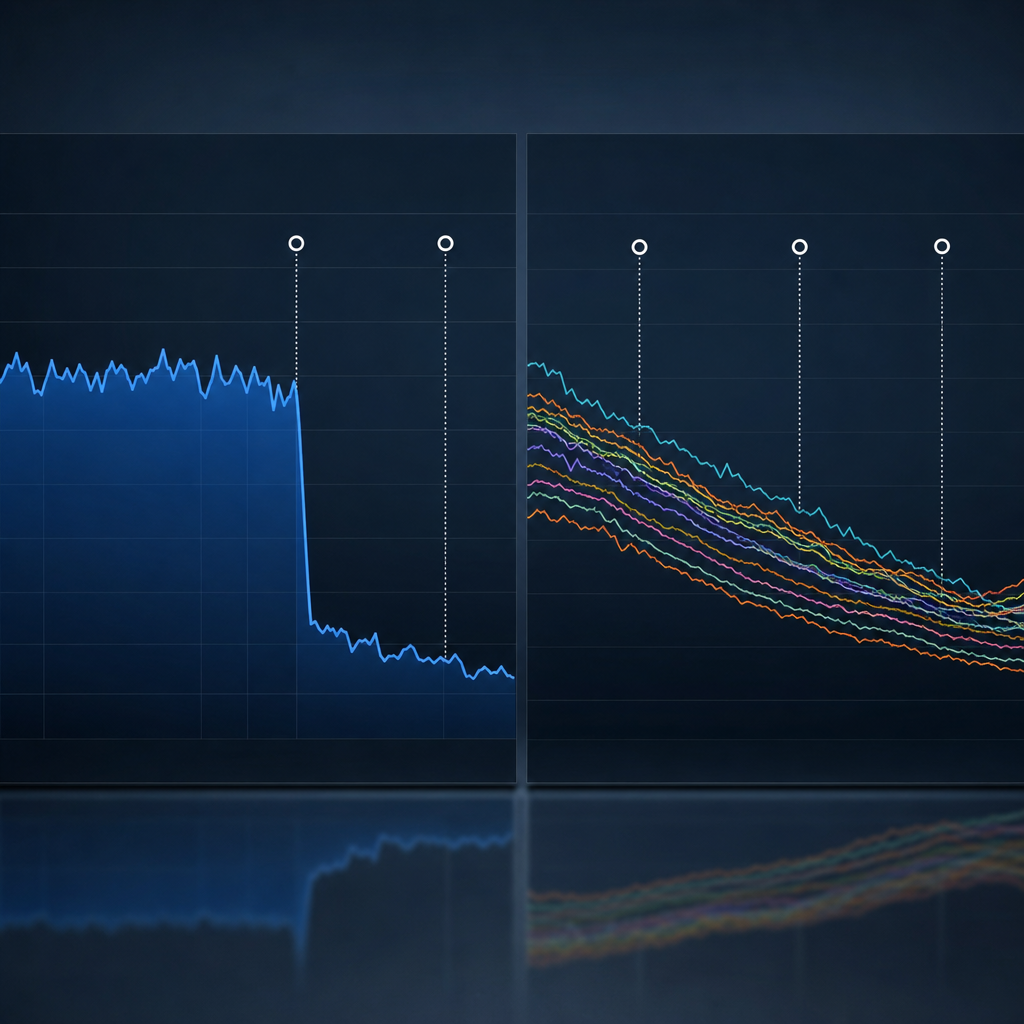
Start with the dates: map every significant rank change to a single timeline before you act. You must know exactly when positions, impressions, or clicks shifted and then line that date up against external algorithm announcements, internal site events, and third party signals. Acting without this chronology is the number one cause of wasted effort.
What to include on the timeline
- External algorithm events: check Google Search Central updates and reporting windows from Search Engine Journal – note rollout start and apparent volatility dates.
- Site-side changes: CMS deployments, template edits, mass title or meta changes, robots.txt edits, sitemap updates, and mass redirects. Pull deploy logs or ticket timestamps and attach them to the timeline.
- Indexation and crawl signals: spikes in crawl errors, new noindex tags, or Coverage report anomalies from Google Search Console.
- Backlink events: sudden loss or gain of referring domains visible in Ahrefs or SEMrush and significant disavow or link cleanup activity.
- Competitor moves and SERP features: emergence of new featured snippets, shopping panels, or local packs that affect click distribution.
Practical insight: do not treat an algorithm update as proof of cause because updates are broad.** If your drop coincides with a core update, treat that as a hypothesis, not a verdict. Confirm with matching patterns across affected queries, similar sites, and whether your site had a discrete event at the same time.
Concrete Example: A mid-size ecommerce site saw organic traffic fall 28 percent on June 8. The timeline showed a template change that inadvertently removed schema and altered product titles on June 7, and Google announced a broad ranking update on June 9. The real cause was the template change – fixing titles and restoring schema returned rankings within two weeks, while the update only amplified visibility loss temporarily.
How to weigh evidence – practical rules
- If the drop is precise and tied to a small set of pages, favor site events over broad updates.
- If the drop affects many unrelated queries across categories, an algorithm update or SERP reformat is more likely.
- If a backlink loss or penalty coincides exactly with the drop, treat authority signals as primary until proven otherwise.
- When evidence conflicts, fix low-effort, high-impact site issues first – they will not hurt and will reveal whether the problem persists.
Tradeoff to accept: chasing algorithm explanations wastes time if you leave technical or content regressions unaddressed.** You will often need to run parallel tracks – immediate technical fixes plus an analysis for update-related ranking shifts.
Do not assume correlation equals causation. Use the timeline to eliminate obvious site-side failures first, then test the algorithm hypothesis.
Next consideration: once you have a confident cause from the timeline, move to verification steps – targeted A B tests, controlled content restores, or reindex requests – not broad site rewrites.
3. Technical causes to check first and how to fix them
Start with technical triage. Technical failures are the fastest to verify and the quickest to produce large, abrupt drops in keyword search rankings. If a page is blocked from indexing, returning 5xx errors, or suffering severe speed regressions, content updates will not help until those are fixed.
Quick triage checklist – what to run first
- Indexation and crawlability: Check the Google Search Console Coverage report and run URL Inspection on falling pages to confirm they are indexed and not noindexed. Crawl the affected paths with Screaming Frog to find meta robots, X robots tag, or accidental noindex produced by a CMS change.
- Server errors and accessibility: Look for spikes in 5xx or 4xx errors in GSC and server logs. Confirm uptime and response time with your host or a monitor. If the site is intermittently unavailable, Google will reduce crawl frequency and rankings can fall fast.
- Redirects and canonical chains: Use a crawler to find redirect chains and contradictory canonical tags. Long chains or wrong canonical targets cause deindexing or rank dilution. Shorten chains and enforce a single canonical per content intent.
- Core Web Vitals and speed: Run PageSpeed Insights and check Core Web Vitals in GSC. Prioritize fixes that reduce Largest Contentful Paint and Cumulative Layout Shift. See Core Web Vitals for metrics to monitor.
- Blocked resources and robots.txt: Verify robots.txt has not blocked CSS, JS, or whole directories. Blocked resources can break rendering and cause Google to mis-evaluate page quality.
- SSL, mixed content, and security warnings: Expired certificates, mixed content, or a flagged site can remove trust signals and reduce search visibility quickly. Confirm HTTPS is clean and canonicalized.
Practical insight: Technical fixes have a clear priority order – indexability first, then availability, then page experience. That order reflects impact on crawl behavior and the time Google needs to re-evaluate pages. Do not spend developer cycles on micro-optimizations until indexing and accessibility are confirmed.
Tradeoff to watch: Some speed fixes require engineering time and risk breaking layout or tracking. If engineering capacity is limited, apply low-risk wins first – image compression, proper caching headers, and font preload – and hold larger refactors until you can test.
Concrete example: A media site pushed a theme update that inserted a noindex meta tag sitewide. Search Console showed a sudden rise in excluded pages and average position collapsed overnight. Removing the noindex, resubmitting the sitemap, and using URL Inspection to request indexing restored most pages within a week, with full recovery over 2 to 3 weeks as Google recrawled and reprocessed signals.
Concrete example: An ecommerce category lost rank because LCP jumped due to an unoptimized hero image and third party font. The team converted the image to WebP, resized it, and preloaded the font. LCP improved and organic clicks recovered in the next index cycle, but conversion gains lagged until product snippets and schema were revalidated.
Next consideration – tie any technical fixes to a visible KPI set such as average position for the lost keywords, organic clicks, and Core Web Vitals metrics so you can prove progress and avoid needless simultaneous changes that obscure cause and effect. For a step by step inspection workflow, see the Ranklytics SEO inspection guide at SEO Inspection: A Step-by-Step Guide to Optimizing Your Site's Health.
4. Content relevance and intent mismatch: where to update and what to change
Key point: a page can lose rank not because of technical faults or backlinks but because the market moved on to a different intent. When searchers expect comparison, pricing, or tool-like answers and your page remains high level, search engines demote it for failing to satisfy user intent.
Detecting intent mismatch quickly
- Run a SERP analysis: check the top 10 results for the target query and note the dominant format – product pages, comparisons, how to, local packs, or snippets. Use Ahrefs or Ranklytics SERP tracking for a historical view of format shifts.
- Check on-page signals: examine headings, featured snippets, and schema in competing pages. If competitors have short 40 60 word answer blocks and your page is a long essay, that is a mismatch.
- Behavioral evidence: review query level CTR and landing page engagement in Google Search Console and GA4. Low CTR with stable positions signals metadata mismatch; high bounce with low dwell time signals content mismatch.
Where to update on the page: start with the elements that communicate intent to both users and search engines. Edit the title and meta description to reflect the correct format – for example add comparison, pricing, or quick answer language. Restructure the top of the page: move a concise H2 answer or a comparison table into the first 300 words. Then audit H2s to make sure each answers a specific user question that appears in People Also Ask.
What to change to match intent: add clear signals that match the SERP winner. If the SERP favors comparisons, add a side by side table and a short verdict box. If snippets dominate, add a 40 60 word direct answer and mark it with an H2. If local or transactional intent shows up, add local signals, pricing, or a visible call to action. Update facts and dates, add unique data or examples, and include structured data only where it genuinely fits.
Trade off to accept: converting multiple thin pages into a single comprehensive resource improves topical authority but risks temporary traffic volatility during reindexing. Use 301 redirects and preserve URLs with value. Expect a few weeks of SERP movement; this is normal when you change content scope or merge pages.
Concrete Example: A mid size B2B SaaS site had a long tutorial ranking well for a product comparison query until competitors started publishing pricing comparison pages. The owner consolidated two relevant blog posts into one comparison focused page, added a clear pricing table and an H2 with a 50 word verdict for snippet targeting, and used Ranklytics to monitor keyword performance. Rankings recovered over six weeks and CTR improved because the page now matched the searcher expectation.
- Immediate edits (low risk): add a short answer box under the first H1, update meta to reflect intent, add internal links from high authority pages.
- Medium effort (higher impact): create comparison tables, original quick data or charts, add relevant schema, consolidate cannibalizing pages with 301 redirects.
- When to avoid changes: do not rewrite content purely for keywords without addressing intent; cosmetic keyword stuffing can reduce relevance and user trust.
Real judgement: content depth matters but format and clarity matter more when intent shifts. Fix format and answer placement first, then add depth.
5. Authority and backlink profile changes: diagnose and repair
Authority shifts are a common, under-measured cause of drops in keyword search rankings. When high-value referring domains fall away or anchor profiles change, pages that were previously held up by backlinks lose visibility even if on-page SEO is unchanged. Treat backlink changes as a separate diagnosis track and correlate removals to your keyword performance timeline before making content edits.
Diagnose: what to pull and how to interpret it
- Export lost links. Pull removed or lost backlinks from Ahrefs, SEMrush, and the Google Search Console links report for the period around the drop.
- Measure impact, not count. Prioritize lost referring domains by estimated traffic to the linking page, topical relevance, and domain rating instead of raw link count.
- Correlate timelines. Use Ranklytics or your rank tracking tool to map lost backlinks against the exact date individual keywords began losing position – looking for same-day or short-lag matches.
- Watch anchor text and referrer churn. Sudden replacement with irrelevant or exact match spammy anchors can signal negative SEO or a shift in how publishers link to you.
- Check for redirects and 404s. Lost links often happen because a publisher changed a URL. Use crawling tools or Wayback snapshots to find the original target and status code.
Practical tradeoff: reclaiming a small number of high-quality links delivers far more ranking recovery per hour than chasing dozens of low-quality new links. Outreach takes human time; buying links risks algorithmic penalties and brand damage.
Repair: prioritized, realistic actions
- Triage high-value losses (7 days). Identify top 10 lost referring pages by estimated traffic and relevance. Attempt simple reclaim: polite outreach asking for a URL fix or redirect, supplying the original anchor and suggested replacement URL.
- Fix broken targets (30 days). If your page moved or was deleted, restore the content or add a 301 to the correct canonical. Use Wayback and server logs to prove original content for outreach.
- Reclaim before disavowing (30 90 days). Only build a disavow if evidence shows spammy mass linking and outreach fails. Disavow is a blunt instrument – it does not rebuild authority, it only removes risk.
- Build replacement links strategically (90 days). Create one or two linkable assets targeted at lost link audiences – original data, tools, or expert roundups – then run targeted outreach to those same publishers.
- Monitor and measure. Track recovered referring domains, changes in Domain Rating or equivalent, and the average position for impacted keywords weekly.
Judgment call most teams get wrong: Many SEO teams assume any link loss is catastrophic and immediately disavow or panic with low-quality link building. In practice, reclaiming and repairing existing links plus targeted high-quality outreach is the faster, safer path to restoring organic search rankings.
Concrete Example: A B2B client lost a few backlinks from an industry publisher that accounted for organic referrals and anchor text relevance for three product keywords. Using Ahrefs to find the dropped links and Wayback to show the prior URL, we emailed the editor with a one paragraph context and a suggested redirect. The publisher implemented the redirect; rankings for those keywords recovered within 6 to 10 weeks as crawlers reprocessed the redirect and the anchor signals returned.
Key point: prioritize reclaiming links that directly supported the affected keyword set – not every lost backlink matters to your keyword rankings.
6. SERP feature shifts and competitor moves that reduce organic value
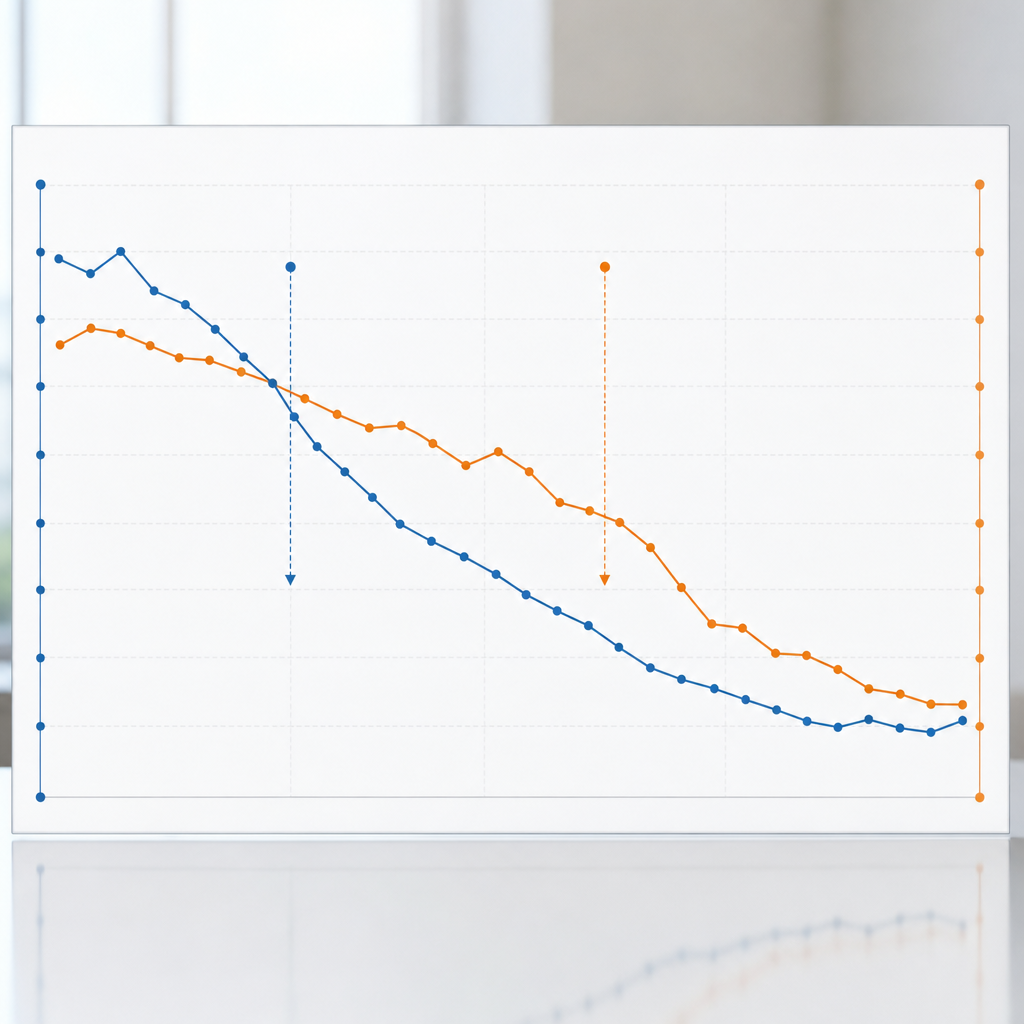
Key point: Your page can keep the same numerical rank while losing real traffic because the SERP itself changed. Search engine results now include featured snippets, People Also Ask, video carousels, knowledge panels, local packs, and more — any one of these can siphon clicks away even when your keyword search rankings look stable.
How to triage queries that lost clicks but not position
Start with data: Export the affected keywords where average position stayed steady but clicks or CTR fell. Use Google Search Console to filter those queries and then load the same queries into Ranklytics or Ahrefs to view SERP feature history and current SERP layout.
- Identify queries with position stable +/- 1 but clicks down more than 15% over 28 days
- Snapshot the current SERP and archived SERPs for the same query to spot when a new SERP feature appeared
- Log the exact feature type (featured snippet, PAA, local pack, video carousel, shopping ad) and which competitor occupies it
- Decide whether the lost clicks are recoverable by on-page changes or if you should pivot to a different intent or keyword
Practical insight: Not every SERP feature is worth fighting. Featured snippets can be reclaimed with a short answer, but knowledge panels and ad-heavy shopping results usually mean you need a different strategy – target long-tail or transactional variants instead of chasing top-of-page snippets.
Tactics to reclaim visibility – and the tradeoffs
- Add a concise, 40-60 word answer: Place it at the top of the page with an H2 and a short paragraph or bullet. This is the fastest way to win or recover featured snippets, but be aware it can reduce time-on-page if users get the answer and leave.
- Target People Also Ask with Q and A blocks: Add clear question H2s and 1-2 sentence answers followed by a brief expand section. This improves SERP real estate and often lifts CTR without replacing deeper content.
- Improve metadata for rich results: Use structured data where appropriate and rewrite title and meta to stand out visually. This helps against rich snippets and can beat less descriptive competing titles.
- Serve richer media: Add a short video, optimized image, or table that matches the SERP feature type. Videos can reclaim carousel slots but require production cost and may not be worth it for low-volume queries.
- Pivot intent when necessary: If a local pack or heavy ads dominate informational queries, shift effort to long-tail, question-based phrases or build landing pages that match transactional intent.
Limitation to watch: Winning a snippet doesn't guarantee more converting traffic. Some snippets answer the query fully on the SERP and reduce clicks. Measure CTR and downstream conversion metrics after any change, not just position.
Concrete Example: A B2B software guide held position 3 for a high-volume how-to query but saw clicks drop 30% after a competitor captured the featured snippet with an updated short-answer section. The owner added a 50-word direct answer, a 3-point bulleted summary, and schema for FAQ. Within 6 weeks CTR rose by 12% and organic leads from that page increased because the page combined the snippet-friendly answer with stronger conversion sections below the fold.
Judgment: Chasing every new SERP element is a losing game. Treat SERP feature changes as signals about user expectations. If the feature reflects deeper intent change, update content format and CTAs. If it is a transient competitor tactic, a targeted snippet play or media addition can buy back clicks quickly.
For proactive monitoring set alerts for SERP feature changes and include those events in your SEO change log. See the Ranklytics SEO inspection guide for tying these observations to site edits: SEO Inspection: A Step-by-Step Guide to Optimizing Your Site's Health. For understanding broader SERP volatility consult Search Engine Journal.
7. Prioritized recovery plan: 7 day, 30 day, and 90 day actions
Direct assertion: When keyword search rankings drop you must stop guessing and run a prioritized playbook. Treat the first 7 days as triage, the first 30 days as repair, and the first 90 days as rebuild. Each stage has different owners, KPIs, and realistic expectations for when improvements show.
7 day quick wins – stop the bleeding
- Immediate data pull: Export top 50 lost keywords from Google Search Console and your rank tracker to focus effort where impact is highest.
- Index and crawl fixes: Remove accidental
noindex, restore sitemap entries, and resolve 5xx errors. Re-request indexing for priority pages in Search Console. - Title and meta triage: Update title tags and meta descriptions for the top 10 losing pages to improve CTR without changing core content.
- Critical UX fixes: Implement one or two high-impact Core Web Vitals improvements (defer large images, remove blocking CSS) that engineering can push in a maintenance window.
- Backlink triage: Check Ahrefs/SEMrush for any sudden lost high-value links and begin outreach to reclaim them.
Practical tradeoff: Quick meta edits and indexing requests can produce measurable gains fast, but they are cosmetic if the page fails to satisfy intent. Use 7 day fixes to buy time while you prepare deeper content and authority work.
30 day medium fixes – repair relevance and signals
- Content refresh: Rewrite the top 20 losing pages to match current intent – add clear H2 answers, up-to-date stats, and richer examples for snippet targeting.
- Consolidation: Resolve cannibalization by merging similar pages and using 301s; document expected ranking volatility in the week after redirects.
- Structured data and metadata testing: Add or correct schema, test rich result eligibility, and run A/B tests on titles to lift CTR.
- Internal linking and site architecture: Re-distribute PageRank to priority pages with contextual internal links and a revised pillar-cluster map.
- Outreach phase 1: Begin link reclamation and targeted outreach for a handful of high-value pages identified via Ahrefs.
Limitation to accept: Content edits need re-crawling and behavior signals to stick. Expect meaningful ranking movement anywhere from 2 to 8 weeks after significant rewrites, depending on crawl frequency and competition.
90 day strategic moves – rebuild authority and scale
- Topical authority program: Launch a content cluster campaign focused on 6 to 12 pillar topics tied to revenue or traffic goals; publish regularly and promote aggressively.
- Sustained link strategy: Run recurring outreach, guest contribution, and PR-style campaigns to earn referring domains. Prioritize quality over quantity.
- Technical debt backlog: Schedule deeper CWV improvements, image migration to modern formats, and any necessary server or CDN changes.
- Measure and iterate: Use rank tracking for the recovered keyword set, monitor organic clicks and impressions, and run a quarterly SERP feature analysis to adapt formats.
Judgment call: Most teams overinvest in tactical content tweaks and underinvest in a repeatable link and promotion engine. If you cannot staff both, prioritize one content-led linkable asset per quarter and allocate budget for targeted outreach.
| Window | Primary owner | Top KPI | Realistic improvement window |
|---|---|---|---|
| 7 day | SEO lead + engineering | Position and clicks for top 10 lost keywords | 3 to 14 days |
| 30 day | Content + SEO | Organic clicks, impressions, and CTR | 2 to 8 weeks |
| 90 day | Growth/Marketing | Referring domains and sustained position lift | 3 to 6 months |
Concrete Example: An online tools publisher lost traffic after a sitewide CMS change. In 7 days the team removed an accidental noindex and restored sitemaps, recovering crawlability. Over 30 days they consolidated three thin tool pages into one comprehensive guide and updated metadata; rankings stabilized. By 90 days they published original research that attracted links and rebuilt rankings above pre-drop levels.
Next consideration: Assign owners and deadlines for each window now. Without clear accountability the plan stalls and partial fixes create more volatility.
8. How to set up monitoring and prevention to avoid future drops
Start with guardrails, not alarms. Set monitoring so it tells you about real problems you can act on, not every fluctuation. The goal is early detection of actionable signals – indexation failures, sudden visibility loss, or a contested SERP feature – and a clear path from alert to owner to fix.
Set the right alerts and thresholds
Practical thresholds matter. Too tight and you will chase noise; too loose and you will miss turning points. Start with broader thresholds, then tighten after two weeks of tuning against historical volatility.
- Position drop: top 50 tracked keywords with average position decline greater than 3 spots over 3 days
- Impressions decline: >30 percent drop for a keyword group or page in 48 hours
- Clicks or CTR fall: >25 percent drop week over week for priority pages
- Indexation spike: sudden rise in excluded or crawled but not indexed pages from Google Search Console
- Core Web Vitals: LCP or CLS regressions beyond your SLA from PageSpeed Insights or synthetic tests
- Coverage and robots changes: new noindex, robots.txt or sitemap removals detected
- Backlink loss: loss of 5 or more referring domains to a priority landing page within 7 days
- SERP feature shift: appearance of new SERP features that reduce organic click opportunity for your target queries
Use multiple sources. Combine Google Search Console for user-facing metrics, a rank tracker like Ranklytics for position timelines, an audit crawler for site changes, an uptime monitor for availability, and Ahrefs or SEMrush for backlink events. Link your monitoring to SEO Inspection: A Step-by-Step Guide to Optimizing Your Site's Health and track Core Web Vitals via web.dev.
Operational rules and prevention measures
- Maintain an SEO change log: every title, canonical, redirect, noindex, and template edit recorded with author, ticket number, and timestamp
- Pre-deploy SEO checklist: run a quick crawl and schema validator in staging before any CMS or template deploy
- Assign on-call ownership: name one SEO owner and one dev contact for triage with a 24 hour response SLA for critical alerts
- Auto-capture SERP snapshots: store a screenshot and SERP feature map when a priority keyword drops so you can compare competitors
- Integrate rollback triggers: if an automated deploy coincides with a visibility drop, trigger a staged rollback and investigation
Tradeoff to accept. You will get false positives when monitoring fine-grained signals like single keyword positions. Prioritize alerts by business impact – revenue pages first – and treat lower priority noise as periodic review items rather than emergency incidents.
Concrete Example: An ecommerce site set an alert for any product landing page losing more than 30 percent impressions in 48 hours. A Slack notification included the last crawl, GSC coverage changes, and a SERP snapshot. The team discovered a faulty canonical introduced in a theme update, reverted the change, and saw impressions recover within 10 days.
Key judgment: Monitor outcomes you care about – clicks and conversions – not just raw positions. Position is a signal, not the business metric.

Written by
ranklytics