











Table of Contents
- 1 Keyword Rank Checkers Compared: Track Your Rankings the Smart Way
- 1.1 Evaluation framework for keyword rank checkers
- 1.2 Ahrefs Rank Tracker
- 1.3 SEMrush Position Tracking
- 1.4 Moz Pro Campaigns rank tracking
- 1.5 Mangools SERPWatcher
- 1.6 RankRanger
- 1.7 Ranklytics keyword rank tracking and how it fits in
- 1.8 Choosing the right tracker and integrating rank data into your content workflow
Keyword Rank Checkers Compared: Track Your Rankings the Smart Way
Choosing the right keyword rank checker matters—different tools report different positions, and those discrepancies change prioritization and reporting. This comparison walks through accuracy and methodology, local and mobile tracking, SERP features detection, update cadence, integrations and automation, plus hands-on use cases and pricing. You’ll get practical recommendations for teams of different sizes and a clear example of folding rank signals into an AI-driven content workflow with Ranklytics so rank changes become prioritized tasks, not noise.
Evaluation framework for keyword rank checkers
Direct point: choose a rank tracker by evaluation criteria, not by brand. Different trackers answer different operational questions: some optimize for breadth and API throughput, others for local accuracy or workflow automation. Pick the metric set that aligns with what you actually need to act on.
- Data source & probe methodology: Are results from active probes, passive data, or aggregated third-party index snapshots? Active probes give fresher local/device-specific ranks but cost more.
- Update frequency & sampling: Daily, hourly, or weekly refreshes — more frequent checks catch volatility but increase cost and noise.
- Local and mobile support: Can the tool run city-level probes and mobile user-agent emulation at scale? This is non-negotiable for multi-location SEO.
- SERP features detection: Does the tracker flag featured snippets, local pack, images, knowledge panels and show how they change visibility?
- Integrations & context: Does it ingest Google Search Console and Google Analytics so ranks are paired with impressions and clicks?
- APIs, exports and automation: Is there programmatic access to pull data into dashboards or trigger workflows?
- Alerting and reporting: Can you set meaningful thresholds and deliver stakeholder-ready reports automatically?
- Scalability and price per keyword: How does cost scale when you add locations or mobile probes?
Practical trade-off: high-frequency, location-accurate probing reduces measurement error but increases noise and cost. For example, hourly probes on thousands of city-keyword combinations will surface transient rank swings that rarely justify immediate action. Set cadence by cohort: daily for branded and high-priority revenue keywords, weekly for long-tail informational queries.
Decision matrix template
| Criteria | Weight (1-5) | Must-have? | Notes |
|---|---|---|---|
| Local accuracy | 5 | Yes | City-level probes, mobile emulation |
| GSC/GA integration | 5 | Yes | Needed to prioritize by real impressions |
| SERP features | 4 | Yes | Flag presence and change over time |
| API & exports | 3 | Optional | Required for custom dashboards |
| Price per keyword | 4 | Yes | Important for multi-location scale |
Concrete example: a franchise SEO manager needs to monitor 50 cities, 300 keywords, mobile-first. They weight local accuracy and price-per-keyword highest, run a 30-day pilot comparing two vendors using identical city/device settings, and require API access to push drops into their ticketing system. The pilot revealed one tool reported systematically better local pack detection but cost 40 percent more per probe, so the team reserved the expensive tool for top 50 keywords and used a cheaper daily-scanning tool for the rest.
Common misread and judgment: teams obsess over exact position numbers. In practice, the signal that moves traffic is context — SERP features, impressions and click data. Prioritize tools that combine rank with GSC context over tools that only surface positions. If you must pick one criterion to test first, validate GSC integration and local probe fidelity in a short proof-of-fit.

Ahrefs Rank Tracker
Direct take: Ahrefs Rank Tracker is a solid all-around keyword rank checker when you need ranking data married to research signals like backlinks, keyword difficulty, and competitor gap analysis.
What it does well: Ahrefs tracks desktop and mobile positions, surfaces SERP feature occurrences, keeps historical position charts, and lets you compare competitors side-by-side. Its keyword index feeds sensible suggestions so you rarely miss obvious terms when expanding a tracking set. See Ahrefs' own write-up on position tracking for specifics: Ahrefs Position Tracking.
Practical trade-offs and limitations
- Index and suggestion depth: Large keyword index makes discovery easier, but that advantage translates into cost as you add thousands of tracked terms.
- Local granularity: Good local support for major metros, but for hyper-local or postcode-level probes you may prefer tools optimized for local packs and granular probes.
- Automation and APIs: Has API access and exports, but enterprise-grade alerting and custom white-label dashboards are less turnkey than specialized enterprise trackers.
- Data variance: Expect position differences vs other trackers; match location and device settings and reconcile with Google Search Console before taking action.
Real-world judgement: Teams often over-weight absolute position number. With Ahrefs you get useful context—backlinks and SERP feature flags—which means you can prioritize action on pages that lost a featured snippet or saw backlink erosion rather than on small position swings alone.
Concrete example: A SaaS content team tracks 350 product and feature keywords in Ahrefs, notices a cluster of pages dropping from positions 6-10 to 11-20 alongside a lost featured snippet, then pulls impressions from GSC and schedules combined on-page updates and outreach. The result: they recover top-10 positions for the highest-impression keywords within two monthly cycles.
Workflow tip: Export Ahrefs position changes weekly and merge with Search Console impressions to create a prioritized content task list. If you prefer the rank-to-task automation route, connect rank signals into a content planning tool like Ranklytics or use the CSV/API to feed your own task queue—see Ranklytics' rankings archives for integration examples: Rankings & Keywords Archives.
SEMrush Position Tracking
Quick claim: SEMrush Position Tracking is built for location-heavy campaigns and agency reporting — it gives predictable, scheduled rank snapshots with device and city-level granularity, white-label reports, and a strong SERP feature taxonomy. See the vendor documentation for feature details at SEMrush Position Tracking KB.
How SEMrush collects positions and what it means in practice
Probe methodology matters. SEMrush uses location-targeted probes plus desktop and mobile emulation to report positions, and you can choose daily updates for more frequent sampling. That design favors repeatable, city-level monitoring but introduces a tradeoff: more frequent checks and higher location granularity increase cost and probe noise. If you need continuous SERP snapshots for highly volatile queries, SEMrush will get you consistent daily snapshots but not a minute-by-minute history.
- Strengths: Strong local and device targeting, robust SERP feature detection, scheduled PDF and white-label reporting, keyword gap and competitor overlays that tie into position data
- Limitations: Cost climbs quickly when you scale to thousands of city-device combinations, occasional position variance versus real user data in Google Search Console due to different probe locations, and the interface can feel cluttered when managing many granular projects
- Practical tradeoff: Use SEMrush when you need structured, repeatable city-by-city tracking and client-ready reports. Avoid it as the only data source when you need lightweight, content-first tasking or extremely high-frequency SERP capture
Concrete example: A national franchise with 120 locations set up a Position Tracking project per city, selected mobile-first checks and local-pack monitoring, and scheduled daily PDFs for each regional manager. When the local pack visibility dropped for a core service in three adjacent cities, the agency used SEMrush alerts to prioritize audits and trigger local landing page updates.
Integration and automation reality check. SEMrush offers APIs and GSC integration so you can combine position numbers with impressions and clicks, but API quotas and export formats matter. In practice I see teams use SEMrush for the authoritative location snapshots and another tool to convert rank signals into content work. Connecting SEMrush position alerts to a content workflow without manual triage leads to noisy tasks unless you filter by click/impression context from GSC first.
Next consideration: Before you buy, define the geographic granularity you actually need and model the cost per city-device combination. If your budget or content workflow requires automated brief generation from rank signals, plan to combine SEMrush position data with a content tasking tool rather than relying on SEMrush alone.
Moz Pro Campaigns rank tracking
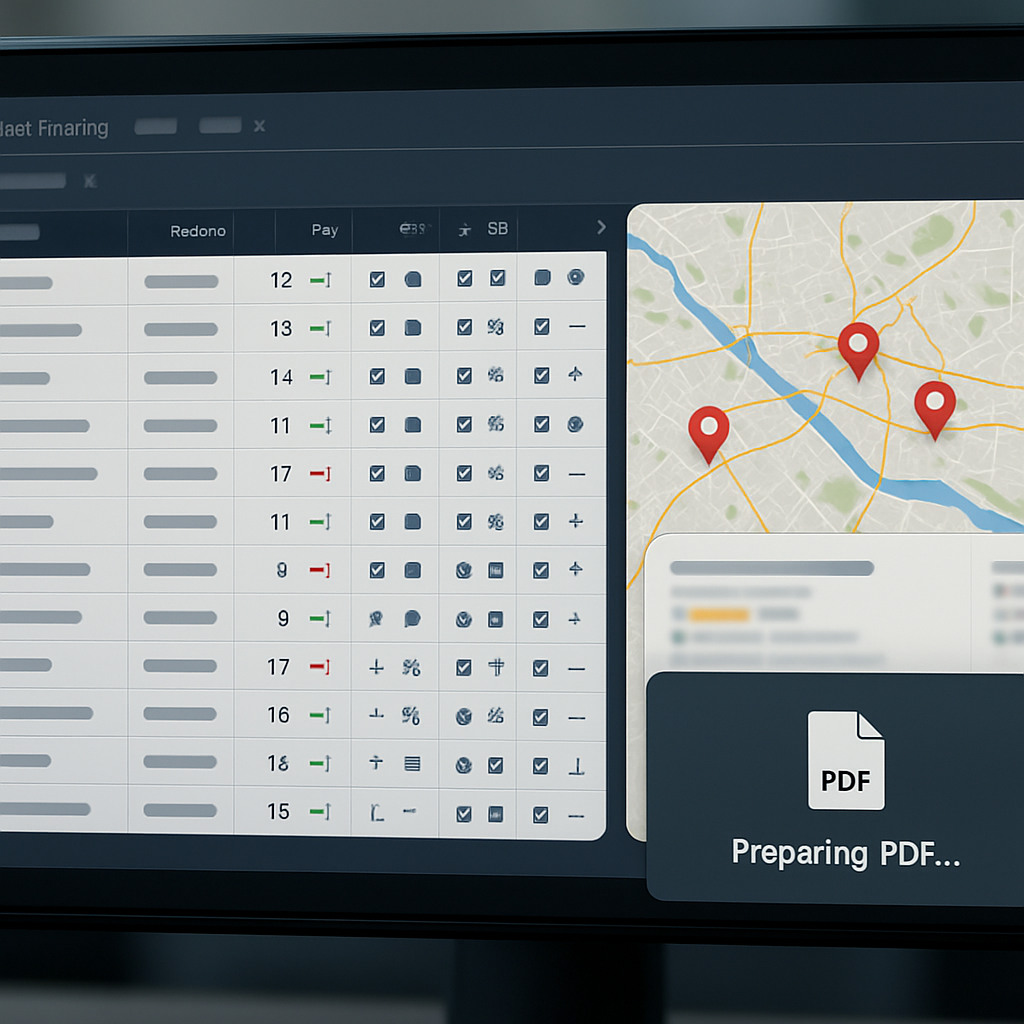
Short verdict: Moz Pro Campaigns is an on-page-first keyword rank checker built around campaign organization and actionable recommendations rather than raw coverage or scale. Its value shows up when you want rank signals to trigger specific on-page tasks, not when you need the broadest probe network or the deepest mobile/local fidelity.
What it does well: Campaigns let you group keywords, track SERP feature flags, and attach on-page recommendations to pages that move up or down. That makes Moz useful for mid-market SEO teams that run periodic optimization sprints: ranks drop, Moz surfaces the affected pages, and you get the page-level starting point for a rewrite or technical fix.
Limitations and trade-offs: Moz has a smaller keyword index and less granular device/location emulation than some competitors. In practice this means volatile SERP features and fine-grained local pack shifts can be missed or delayed. If your work depends on minute-by-minute local visibility or mobile-only behaviors, Moz's simpler probe approach will save money but cost you fidelity.
Operational consideration: Campaign grouping is both Moz's strength and a common trap. Grouping reduces noise for reporting, but over-aggregation hides per-keyword signals that drive content decisions. Use groups for executive reports and maintain an ungrouped view or export for the handful of priority keywords you actively optimize.
Concrete example: A mid-market publisher tracks 150 blog-focused keywords in a Moz campaign grouped by topic cluster. When rankings for a cluster slide out of the top 10, the SEO lead exports the affected keywords and page URLs, cross-references impressions in Google Search Console, and schedules targeted rewrites. The workflow is simple, repeatable, and keeps the team focused on pages that have both rank movement and measurable demand.
Practical tips for using Moz Campaigns effectively
- Keep a priority set: Track a small ungrouped list of 20–50 high-value keywords alongside campaign groups to avoid missing per-keyword signals.
- Align settings to intent: Set device and country targets at campaign creation; Moz's defaults are fine for general work but not for segmented local campaigns.
- Use thresholds: Configure alerts for meaningful moves (for example, drop of 3+ positions or loss of a SERP feature) to avoid alert fatigue.
- Add GSC for context: Always pair Moz position data with Search Console impressions and clicks before deciding to rewrite content.
- Export to task systems: Moz is practical as the detector; push exports into your content task system or a tool like Ranklytics to convert rankedrops into briefs and assignments.
Judgment: Moz Pro Campaigns belongs in workflows that prioritize quick, page-level remediation and clean reporting for mid-market teams. For enterprise-scale probe accuracy or deep local/mobile analysis pair it with a heavier-duty rank tracker rather than relying on Moz alone.
Mangools SERPWatcher
Straight to the point: Mangools SERPWatcher is a lightweight, cost-conscious keyword rank checker built for triage and prioritization rather than enterprise-grade coverage. Its strongest design choice is simplicity: you get daily updates, an estimated visits metric that helps prioritize keywords, and straightforward local/device targeting without a steep learning curve.
What it does well: SERPWatcher surfaces ranking velocity and an estimated-traffic score so a content owner can see which slipping keywords actually move potential visits. For small teams or freelancers this beats raw position lists — it tells you where to spend limited content time.
Strengths and trade-offs
- Quick onboarding: interface and setup are fast, so non-technical marketers can start tracking in minutes
- Estimated visits metric: prioritizes keywords by potential traffic without needing immediate GSC correlation, useful for quick triage
- Local and mobile targeting: supports location and device selection for each keyword, but not at enterprise scale
- Trade-off: fewer enterprise features — limited API, white-label reporting, and less granular SERP features tracking compared with tools like SEMrush or RankRanger
Practical limitation: the estimated visits number is a heuristic — helpful for prioritization but not a substitute for real user signals from Google Search Console. Always cross-check high-priority declines against Google Search Console data before commissioning major rewrites or technical fixes.
Common misunderstanding: people assume simpler tools are wildly inaccurate. In practice SERPWatcher produces usable position data for most small-to-mid keyword sets; it fails when you need thousands of city-level probes, frequent device splits, or comprehensive SERP feature flags.
Concrete example: An independent content creator tracks ~200 long-tail and head keywords in SERPWatcher, uses the estimated visits score to pick the top 20 pages for monthly rewrites, and exports the rank list as CSV to feed into a content brief workflow. That workflow can be enriched by importing the CSV into Ranklytics to generate prioritized briefs and draft updates, turning rank signals into assigned work without manual triage (compare tools).
If you need quick, actionable prioritization and low cost per seat, SERPWatcher is efficient; if you need high-volume local probes, APIs, or white-label client portals, it will feel constrained.

RankRanger
RankRanger is a reporting-first platform built for agencies and enterprise SEO teams that need programmable dashboards and white-label client portals. Its strengths are not in being the cheapest or simplest rank checker — they are in the depth of customization, API access, and the ability to turn ranking data into SLA-ready reports.
Practical trade-off: you get flexibility and accuracy controls (localized probes, mobile emulation, SERP snapshots) at the expense of setup time and cost. If your team cannot commit to an initial configuration phase — mapping locations, setting custom KPIs, and defining API endpoints — RankRanger will feel heavyweight.
What RankRanger does differently
- White-label client portals: fully branded dashboards and scheduled PDF exports you can push to clients without manual formatting.
- Programmable reporting and API: pull daily rank snapshots, SERP feature flags, and historical charts into BI or CMS pipelines.
- Custom KPIs and SLA automation: calculate bespoke KPIs (visibility score, top 3 share) and trigger exports or alerts when SLAs slip.
- SERP capture for audits: scheduled SERP screenshots and feature detection for evidence-based reporting.
Limitation to plan for: RankRanger reports are only as useful as the configuration behind them. Expect the first 4–8 weeks to be heavy on taxonomy work: grouping keywords, defining cities/DMAs, and setting baseline KPIs. That is time you must budget — and it is where smaller teams often misjudge total cost of ownership.
Concrete example: A mid-size agency used RankRanger to build a client portal that shows daily position changes, local pack presence, and a visibility score by city. They used the API to push a CSV into their billing system so monthly SLA reports were auto-generated and emailed to clients — the initial setup took three weeks but removed 8–12 hours of manual reporting per client each month.
Integration judgement: for teams that need enterprise-grade reporting but also want rank data to drive content work, combine RankRanger with a content-focused tool like Ranklytics. Use RankRanger for SLA dashboards and API exports, and Ranklytics to convert rank drops into prioritized content briefs — see Ranklytics vs Best Keyword Research Tools for integration ideas.
Next consideration: before committing, map which KPIs you must export and ask for a proof-of-concept reporting feed. If the vendor cannot demonstrate automated SLA exports and a clean API sample, expect extra engineering time after purchase.
Ranklytics keyword rank tracking and how it fits in
Straight to the point: Ranklytics is not just a keyword rank checker – it is a rank-to-workflow engine that converts ranking signals into prioritized content tasks. Tracking accuracy matters, but for most content teams the value is in the actions the tracker forces you to take, not the last decimal of position data.
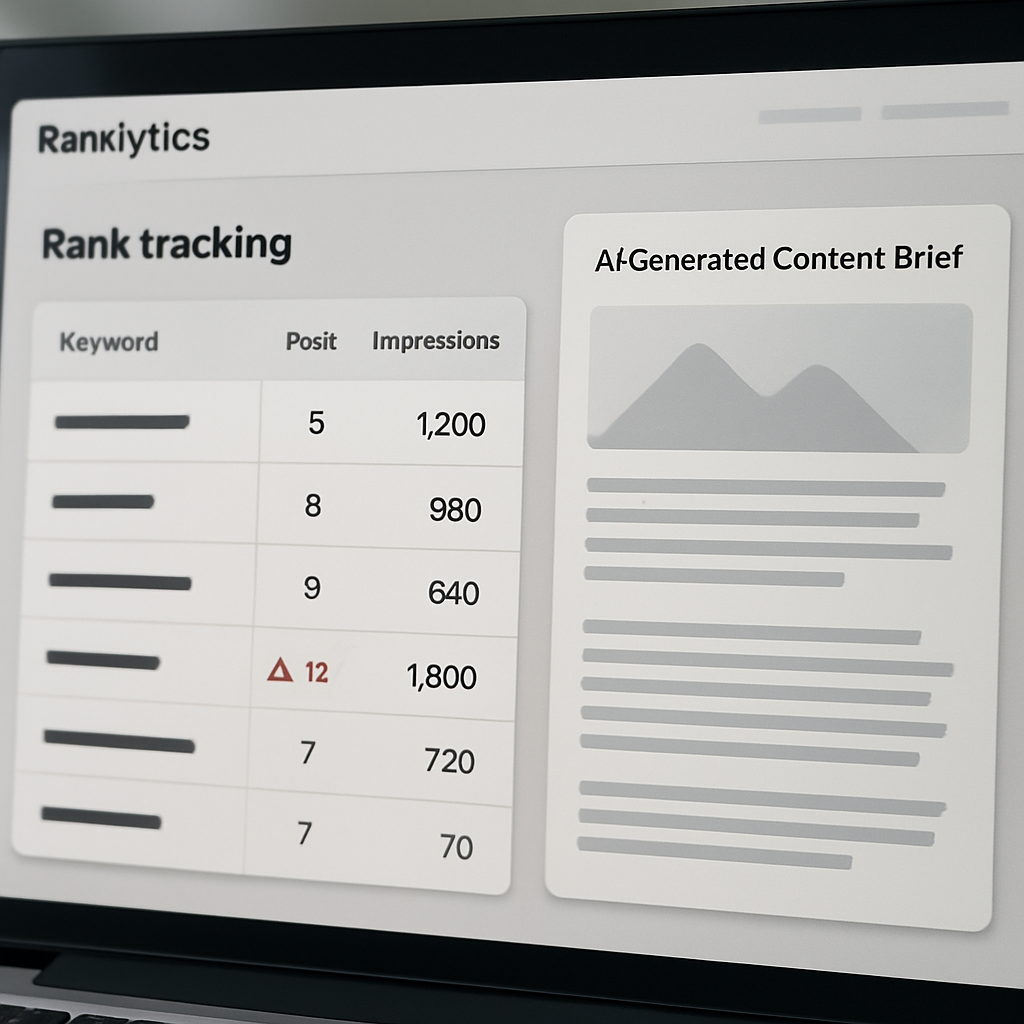
What Ranklytics gives you: integrated rank monitoring linked to Google Search Console and page-level analytics, automated alerts when keywords cross your thresholds, and AI-generated content briefs or draft edits triggered by those alerts. This is a different tradeoff than tools that optimize for probe depth or enterprise-scale white-label reporting.
Practical tradeoffs and where it wins
- Action over absolute precision: Use ___CODE0 when speed from insight to content matters. If you want tight integration between rank drops and a content team sprint, CODE1___ reduces friction.
- Contextual prioritization: Because it pulls impressions and clicks from Google Search Console, Ranklytics helps you prioritize keywords that actually drive traffic, not just those that moved a position.
- Scale limitation: For extremely large local campaigns requiring thousands of geo-probes per day or fully custom white-label dashboards, pair Ranklytics with a heavy-duty enterprise tracker instead of using it alone.
Operational considerations: Set sensible alert thresholds – for example, a drop from positions 1-10 to 11-20 for high-impression keywords, or any slide paired with a decline in clicks. Map keyword cohorts to owner teams so brief generation assigns the correct writer or SEO owner automatically.
Concrete example: A mid-market publisher tracks 1,200 priority keywords in Ranklytics. A drop of three or more positions for keywords with monthly impressions above 500 triggers an automated content brief and a rewrite task assigned in the content calendar. The team reduced time from detection to published update from 10 days to 48 hours, and the highest-priority pages regained SERP positions within two weeks.
Hard judgement: If your requirement is to report raw ranking numbers for contractual SLAs or to power bespoke client portals, a dedicated enterprise rank provider is still necessary. Use Ranklytics for operationalizing rank signals and feeding AI briefs; use an enterprise probe network for SLA-grade measurements and mass geo-device coverage.
Ranklytics is strongest where rank tracking must become repeatable work: detect, brief, assign, and publish. It is not optimized to replace a full-scale enterprise probe network.
Next consideration: If you are evaluating tools, test a short workflow: trigger a synthetic rank drop, confirm a brief is generated, and measure how long it takes for a content task to appear in your CMS or project tool. That operational test separates tools that report data from tools that actually move the needle.
Choosing the right tracker and integrating rank data into your content workflow
Pick the tracker by the action you want to automate, not by the dashboard screenshot. A keyword rank checker is only useful when its outputs trigger predictable content work: alerts that create briefs, rank drops that become rewrite tasks, and cohorts that feed editorial calendars. If a tool gives pretty charts but no reliable hooks into your content stack, it will become a reporting ornament.
Practical trade-offs that determine the right choice
- Update cadence vs cost: High-frequency daily probes show fast-moving SERPs but multiply price per keyword – prefer weekly for evergreen cohorts and daily for news or product launches.
- Per-keyword accuracy vs scale: Enterprise probe networks are accurate for local and mobile, but expensive. For content teams, an SEO keyword checker with reliable grouping and GSC context is often a better ROI.
- Raw position vs SERP context: A SERP rank checker that flags features and intent changes is more actionable than one that reports position only.
- Integration depth: If you need tasks created automatically, pick rank tracking software with API or native content integrations – otherwise expect manual CSV workflows.
Key operational consideration: Map keywords to page IDs and content owners before you start tracking. Raw keyword lists are noisy; when a tracked keyword moves, you must immediately know the responsible page and the assigned writer to close the loop.
Concrete example: When your keyword position tracker registers a fall of 3 positions for a keyword that has more than 500 weekly impressions in Google Search Console, automatically generate a content brief and assign it to the page owner. In practice this looks like a webhook from rank tracker to your CMS or task system that creates a Ranklytics brief, attaches the GSC impression trend, and sets a 7-day rewrite due date.
Normalization and noise control matter. Use a rolling median over 3-7 days to avoid chasing daily volatility, and always align probe settings – location and device – with your priority market. If you compare tools, anchor on Google Search Console data for demand signals rather than trusting absolute position parity.
Integrations beat precision in workflows: a slightly noisier SEO rank tracker that creates briefs and tasks reliably will deliver more content wins than an ultra-precise tracker isolated in a silo.
If you want a short how-to, start by wiring GSC to your tracker, tag keywords by intent and business value, and pilot one automated rule that turns rank drops into content work. Link the outputs to your editorial board so rank signals stop being noise and start producing drafts.

Written by
ranklytics