











Table of Contents
- 1 The Best SEO Audit Tools Compared: How to Choose the Right One for Your Site
- 1.1 Evaluation framework for choosing an SEO audit tool
- 1.2 Semrush Site Audit
- 1.3 Ahrefs Site Audit
- 1.4 Screaming Frog SEO Spider
- 1.5 Sitebulb
- 1.6 Google Search Console and Lighthouse as essential free tools
- 1.7 Ranklytics: AI enabled audits tied to content planning and execution
- 1.8 How to choose the right tool or tool stack for your site
- 1.9 Frequently Asked Questions
The Best SEO Audit Tools Compared: How to Choose the Right One for Your Site
Choosing the right seo audit tool determines whether an audit surfaces high-impact, fixable problems or creates a long list of low-value noise. This guide compares leading crawlers and cloud platforms, explains a practical evaluation framework that covers JavaScript rendering, crawl fidelity, issue prioritization, integrations, and pricing, and shows which tool or tool stack suits common site archetypes. You will get a decision matrix and an implementation checklist to turn audit findings into prioritized tasks and measurable KPIs.
Want these checks run automatically? Try our free SEO audit tool — it scores your site for both Google and AI search in under a minute.
Evaluation framework for choosing an SEO audit tool
Key requirement: pick a tool that surfaces real, actionable problems rather than noise. In practice that means evaluating crawl fidelity, issue accuracy, prioritization logic, and how audit results plug into your engineering and content workflows. Accept the tradeoff: higher fidelity rendering costs more and runs slower, but it catches the types of problems that actually block indexing and ranking on modern sites.
Crawl fidelity and JavaScript rendering
Crawl fidelity matters more than fanciful dashboards. Static HTML crawls find broken links and meta problems fast. headless Chrome rendering is required when your site relies on client side rendering, lazy loaded content, or faceted navigation. Confirm a candidate tool actually renders the same DOM Google sees by comparing crawler snapshots to the live page and to Google Search Central URL Inspection results.
Practical limitation: cloud crawlers often throttle rendering to save resources. That reduces false negatives but can hide intermittent render failures. If your site has frequent client side changes, combine scheduled cloud audits with targeted desktop or headless crawls for deep validation.
Scoring, prioritization, and integrations
Prioritization is the feature people misunderstand most. A long issue list is useless without a clear impact estimate and required effort. Look for tools that let you map severity to business value – for example weight issues by estimated organic traffic to the page and by indexability risk. Tools that export issues into Jira or CSV with page-level context accelerate fixes.
- Quick checklist: Run a smoke crawl of a representative sample of 500 pages before committing to a subscription
- Score weight example: multiply severity (1-5) by page importance (1-5) and divide by estimated dev hours to get a simple prioritization rank
- Integration check: verify the tool can pull Search Console and Analytics data or at least attach GSC URLs to issues
- Cost test: estimate monthly crawl volume and compare against plan limits including rendered pages
Concrete Example: A midsize ecommerce site with faceted navigation found many product listings unindexed. A desktop crawl using Screaming Frog with headless Chrome revealed duplicate parameter URLs and missing canonicals generated by the client side. The team kept a cloud crawler for ongoing monitoring, used Screaming Frog for deep troubleshooting, and exported a prioritized CSV to their ticketing system for fixes.
Important: do not accept issue severity labels without sampling the affected pages. False positives for duplicate content and hreflang are common; verify samples before sending tickets to engineering.
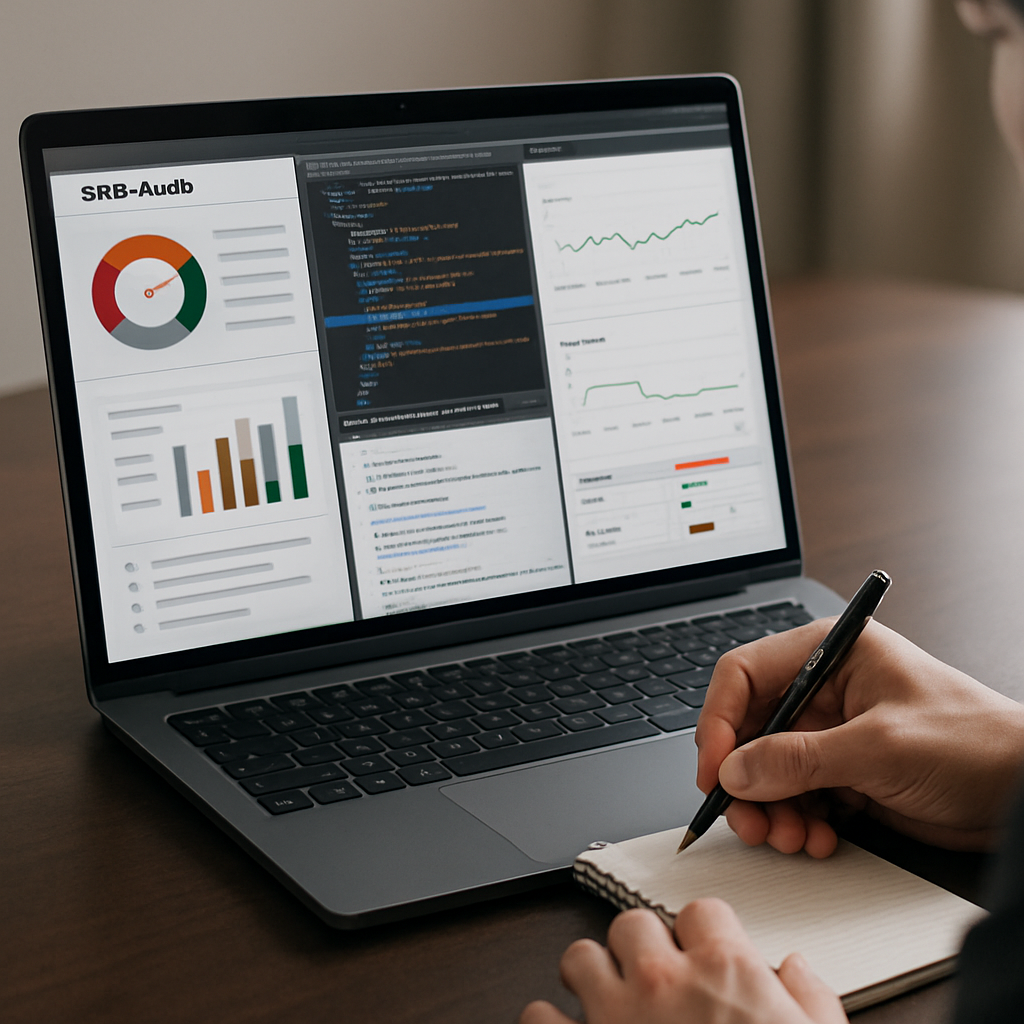
Next consideration: after you validate rendering and prioritization, check whether the tool produces content level outputs like keyword gap data or briefs that your content team can act on. If it does not, plan for a second tool or a platform like Ranklytics to bridge audits to content execution – see our guide on using audits to boost content at How to use SEO audit to boost content.
Semrush Site Audit
Semrush Site Audit is most valuable when you need an audit that doubles as marketing intelligence. It ties crawl findings to keyword and backlink context so nontechnical stakeholders can see why a fix matters for traffic, not just for cleanliness.
Core capabilities: cloud crawling with predefined issue categories and a site Health Score, scheduled audits, integrations with Semrush keyword and backlink datasets, and built-in reporting templates. See the official overview at Semrush Site Audit for crawl options and report exports.
- Strength — integrated context: combines technical flags with keyword groups and backlink signals so you can prioritize fixes by traffic potential rather than raw counts.
- Strength — reporting and handoff: good automated PDFs and CSV exports make it simple to push issues into stakeholder meetings or ticket queues.
- Tradeoff — rendering limits: the cloud crawler renders JavaScript but with throttled resources; complex SPA behaviors can be missed compared with a local
headless Chromecrawl. - Tradeoff — cost at scale: crawl credits and rendered page quotas climb quickly on large ecommerce sites unless you narrow scope or buy higher plans.
Practical limitation: teams frequently assume the Health Score indicates business impact. It does not. Health Score is a rollup of detected problems, not a traffic-loss estimator. Use the tool's ability to overlay Search Console or organic traffic data to re-rank issues by pages that actually drive visits.
Concrete Example: A midmarket ecommerce team ran Semrush and the audit flagged hundreds of duplicate meta descriptions on category-filtered URLs. Semrush grouped those pages into a few URL patterns and attached top-ranking keywords per group, which let the content lead decide whether to canonicalize, consolidate, or rewrite at scale. The team exported the grouped CSV into Jira and tackled the highest-traffic patterns first.
Important: do not treat Semrush as the only validator for JavaScript rendering. Sample snapshots of critical templates and compare them to live DOM and Google Search Console before filing engineering tickets.
headless Chrome run. If cost is a concern, prioritize sampling high-value page templates before buying large crawl packages. See how audit output can feed content workflows in Ranklytics features.Next consideration: run a targeted Semrush crawl of your top 1,000 pages and confirm the results against Search Console before expanding coverage — that reveals whether the platform's signals align with your traffic priorities without wasting crawl credits.
Ahrefs Site Audit
Quick verdict: Ahrefs is the site audit tool to pick when backlink context needs to drive your technical priorities. It does not replace a desktop crawler for bespoke extractions, but its combination of crawl maps, issue grouping, and deep link data surfaces which technical problems are actually starving high-value pages of link equity.
What Ahrefs does well
Strength — backlink weighted prioritization: Ahrefs ties audit issues to Site Explorer metrics so you can prioritize fixes by referring domains, top anchors, and estimated organic value instead of raw counts. That changes the conversation with stakeholders from cleaning up pages to protecting or reclaiming traffic.
Strength — visual crawl maps and redirect visibility: the UI makes redirect chains and internal PageRank flows obvious. When you need to show engineering how a redirect pattern is leaking link equity across categories, Ahrefs provides the link context and the affected landing pages in the same place.
Limitation — JS rendering and custom extraction tradeoffs: Ahrefs renders JavaScript but uses throttled cloud rendering. For single page applications or heavily lazy loaded templates you will still need a headless Chrome crawl for reliable DOM parity checks. Also, Ahrefs is not built for complex XPath extractions or bespoke template auditing.
Practical consideration: if your backlog is dominated by pages with inbound links or legacy redirects, Ahrefs will get you to the highest ROI fixes faster than tools that only flag HTML errors. If your issues are template level or data layer problems, plan to run targeted Screaming Frog or Sitebulb jobs to produce developer-ready CSVs.
How to validate Ahrefs for your site
- Step 1: Run an Ahrefs crawl on a high-value sample set – top landing pages, category templates, and pages with external links.
- Step 2: Capture Ahrefs DOM snapshot for a couple of critical pages and compare with Google Search Console URL Inspection and a local headless Chrome snapshot.
- Step 3: Export the redirect chain and anchor data for pages flagged with low link equity and map them to your traffic metrics before creating tickets.
Concrete Example: An ecommerce SEO team found several product pages losing ranks after a category restructure. Ahrefs identified redirect chains from old category URLs and showed that most external anchors still pointed to the old paths. The team consolidated redirects, updated the highest-anchor pages, and tracked rank recovery for the affected SKUs over six weeks.
If backlinks matter to your business case, prioritize Ahrefs early in the audit stack. For JS parity checks and custom extractions, pair it with a headless Chrome crawl.
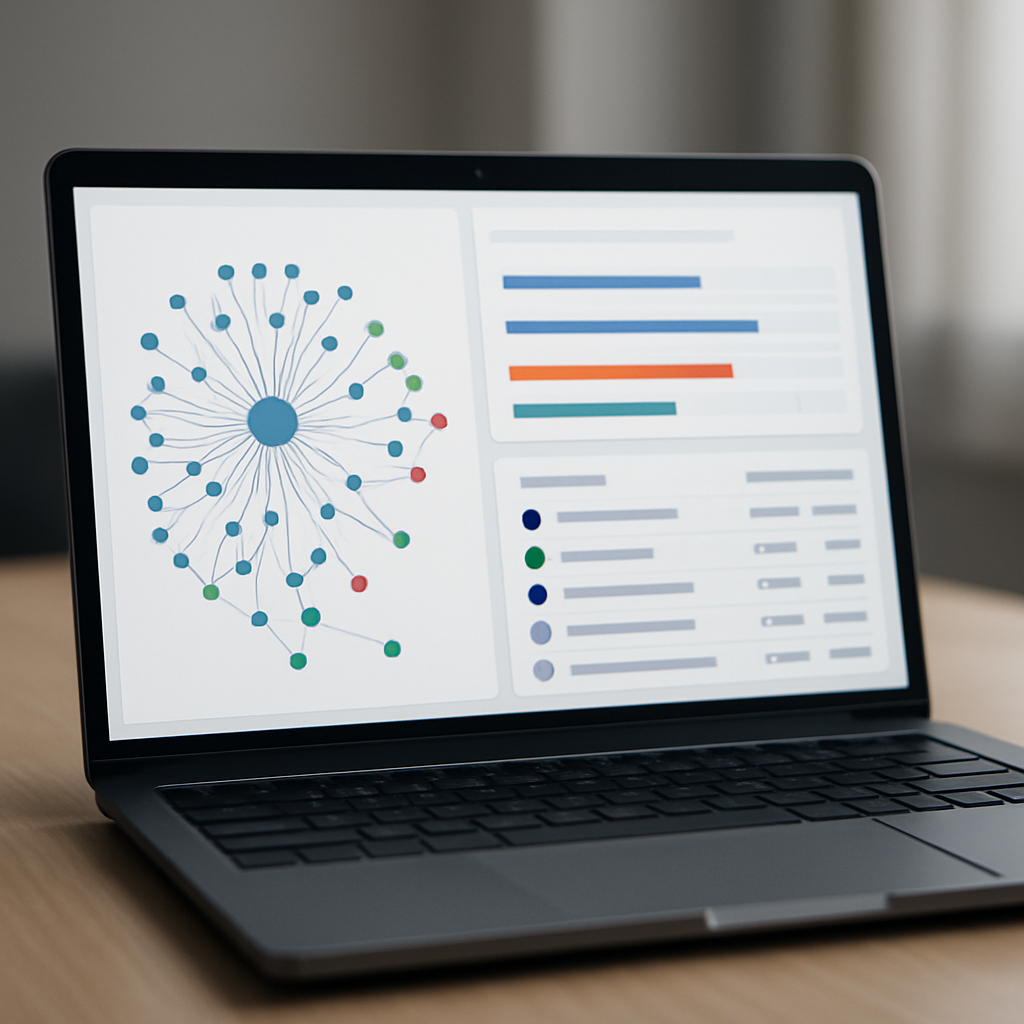
Next consideration: run a short POC combining Ahrefs with one headless Chrome crawl. Measure whether the issues Ahrefs ranks as high actually correspond to pages with lost or recoverable traffic before committing to a larger subscription.
Screaming Frog SEO Spider
Screaming Frog is the surgical tool for technical SEOs who need complete control over what gets crawled and how. It is a desktop-first seo audit tool that trades polish and continuous monitoring for precision: custom extraction, raw CSV exports, and the ability to run headless Chrome rendering on your machine so the DOM you inspect matches what Google often sees. See the official docs at Screaming Frog SEO Spider.
What it actually gives you
Custom extraction and template inspection: Screaming Frog lets you pull any node on a page via XPath, CSS selector, or regex and export it at scale. That means you can audit structured data patterns, data-layer variables, or CMS-injected meta tags across templates without writing a custom script. It also connects to Google Search Console and Google Analytics so you can attach real traffic or indexability context to pages before you create tickets.
Rendering capability with a cost: The Chrome renderer is real and useful, but it runs locally and is slower and more resource-hungry than cloud crawlers. If you need to validate complex client-side behaviours page-by-page it is indispensable. If you need continuous, scheduled scans across millions of URLs, Screaming Frog is not the only solution; use it for targeted deep dives.
| Feature | How Screaming Frog handles it | Practical trade-off |
|---|---|---|
| JavaScript rendering | Local headless Chrome rendering with snapshot capability | Accurate DOM parity but slower and limited by local CPU/RAM |
| Custom extraction | XPath/CSS/regex extraction across crawled pages | Extremely flexible; requires XPath knowledge for complex pulls |
| Scalability & scheduling | Manual runs; paid license removes 500-URL cap and enables scheduling | Great for focused audits; poor fit for continuous multi-site monitoring |
Practical insight: The real value of Screaming Frog shows when you need developer-ready artifacts. Export CSVs with the exact selector, URL, and offending value and your engineering team can fix templates without guesswork. That direct handoff shortens remediation cycles compared with cloud tools that only list issues without granular context.
Concrete Example: An enterprise media site used Screaming Frog to extract the meta[name=robots] value and a custom data-layer field across 12,000 article URLs. The crawl revealed a legacy template that emitted noindex on paginated author feeds. The team exported a CSV grouped by template, pushed fixes to staging, and then verified index changes by reconciling the crawl with server log analysis. Indexing began to recover within two weeks for affected sections.
Note: Screaming Frog exposes power gaps. If your team cannot write XPath or interpret raw DOM snapshots, the tool will produce noise rather than clarity. Plan for one or two power users who own extraction rules and ticket exports.
Next consideration: run a short proof-of-value—target three critical templates, write two extraction rules, and export the CSV to your ticketing system. If that flow shortens time-to-fix, Screaming Frog is worth buying and keeping as your primary deep-dive seo diagnostic tool.
Sitebulb
Straight answer: Sitebulb is the pragmatic middle ground between a raw desktop crawler and a cloud platform — it converts technical findings into developer-ready evidence and prioritized tasks, which shortens the handoff from discovery to fix. This makes it especially valuable when your backlog is clogged with template-level problems where developers need precise selectors, screenshots, and replication steps.
How Sitebulb solves common audit headaches
- Template grouping: Sitebulb groups issues by URL pattern and template, so you see systemic faults (for example a CMS template emitting wrong canonicals) rather than thousands of individual URLs that look unrelated.
- Log-file correlation: You can attach server log data to audits to see whether Googlebot actually attempted the pages flagged as problematic, which focuses remediation on indexability issues that matter for crawl budget and ranking.
- Evidence-first reporting: Each issue includes a snapshot and explanatory text aimed at engineers — selectors, failing DOM nodes, and before/after examples — reducing back-and-forth and accelerating fixes.
- Custom checks and rules: The engine supports configurable audit rules so teams can encode project-specific guards (e.g., required schema or meta patterns) and fail fast on regressions.
Tradeoff to accept: Sitebulb is not built to be a one-stop marketing console. It lacks the deep backlink and keyword datasets of Semrush or Ahrefs, so if your priority is link-weighted triage you will still need a link-focused tool. In practice, teams pair Sitebulb with a backlink or content platform and use Sitebulb for the heavy technical lifting.
Practical limitation: the visual explanations and custom checks reduce miscommunication, but the platform requires someone who understands templates and selectors to create effective custom rules. If your team cannot maintain a power user, Sitebulb will produce useful reports but you will miss the speed gains on remediation.
Concrete Example: An agency auditing an 8,000-page retail site used Sitebulb to surface a legacy product-template that emitted inconsistent canonicals and blocked faceted listings. By correlating those flags with server logs they discovered Googlebot rarely visited faceted pages. The agency exported grouped CSVs with DOM snapshots and fixed the template; within weeks the number of indexed product variants rose and the team tracked recovery through Search Console.
Sitebulb earns its keep when you need to turn technical noise into clear, template-level remediation artifacts that engineers can act on immediately.
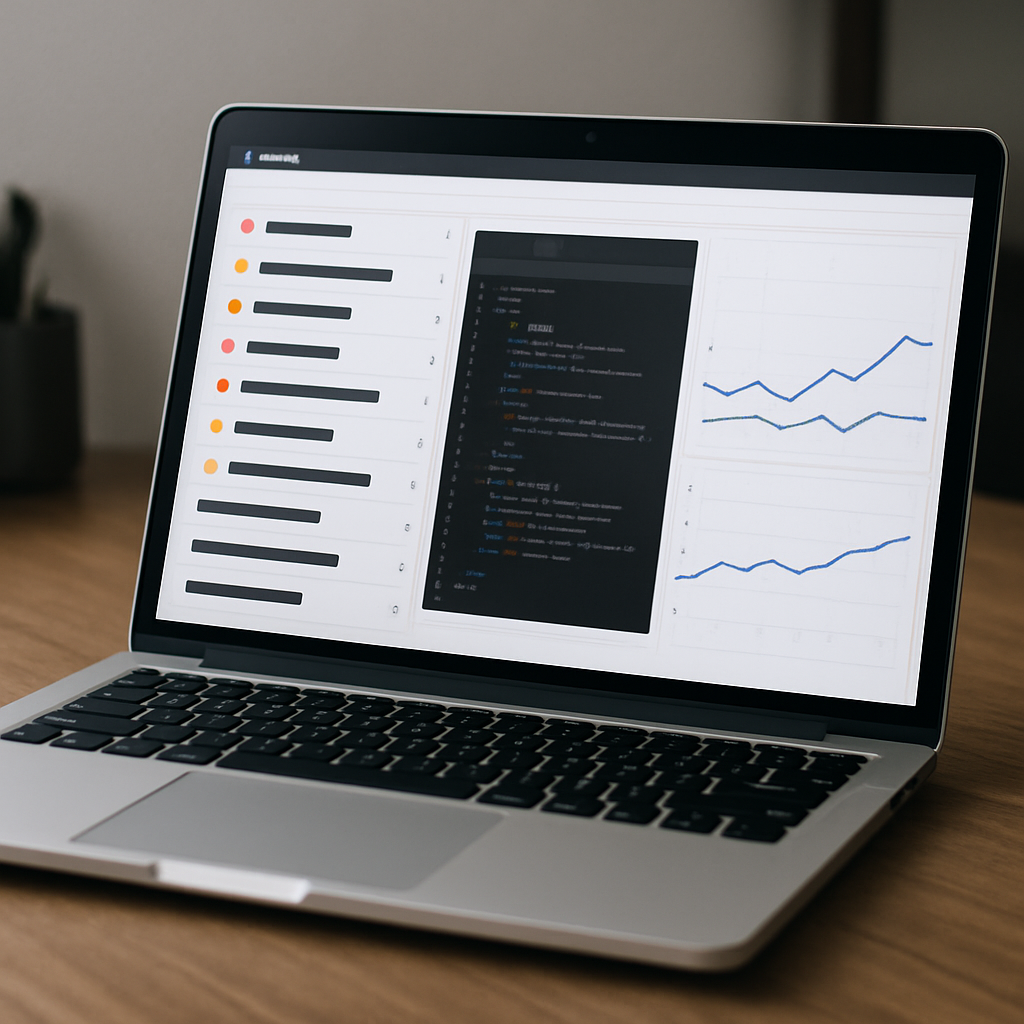
Next consideration: before you buy, run a short proof-of-value — crawl the worst-performing templates, attach a week of logs, and export the developer CSVs. If that reduces sprint cycle time for fixes, Sitebulb pays for itself quickly; if not, you either lack the internal power user or you need a different tool stack.
Google Search Console and Lighthouse as essential free tools
Direct claim: Google Search Console and Lighthouse are the two free tools you must run before you buy any paid seo audit tool. They do not replace a full crawler, but they provide the official indexing signals and performance diagnostics that every remediation should validate against.
Google Search Console value and limits: Search Console gives you index coverage, search performance by query, and URL Inspection results straight from Google. Practical limit: coverage reports are sampled and delayed – a removed page may still show up for days, and the indexing timestamp does not mean Google has finished reprocessing template-level fixes. Use Search Console as the canonical source for indexing state and error trajectories, not as the initial detector for every technical fault.
Lighthouse and PageSpeed diagnostics: Lighthouse (and PageSpeed Insights) give lab-level performance metrics and actionable diagnostics for Core Web Vitals. Tradeoff to accept: lab runs are deterministic with simulated throttling and therefore useful for regressions and component-level fixes, but they are not a substitute for real-user metrics you collect from the field. Always pair Lighthouse findings with field CWV data before reallocating engineering time.
- When to use each: Use Search Console daily to monitor coverage, index changes, and search queries for prioritized pages.
- When to run Lighthouse: Run Lighthouse as part of pre-deploy checks and after performance work to confirm LCP, FID or CLS improvements in a controlled environment.
- Pairing rule: Combine Search Console with a site crawler or
headless Chromerun when you need sitewide evidence; use the crawler to generate tickets and GSC to validate index-state changes.
Concrete Example: A midsize ecommerce team consolidated duplicate category pages and deployed canonical fixes. They used URL Inspection in Search Console to test the live URL and request reindexing for a handful of representative pages, then ran Lighthouse on the improved templates to confirm LCP dropped by around 600 ms in lab conditions. Over the next two weeks they monitored Search Console performance to confirm impressions and clicks began to recover for the consolidated category pages.
Important: do not file tickets to engineering based solely on Search Console or Lighthouse alerts. Use them to validate and prioritize, then attach crawler evidence or DOM snapshots so fixes are reproducible.
Ranklytics: AI enabled audits tied to content planning and execution
Direct claim: Ranklytics is useful when your audit pipeline stalls at discovery — it converts technical and content-level findings into prioritized, task-ready content work rather than a long list of tickets that sit in a backlog.
How Ranklytics connects audits to content ops
Mechanics: Ranklytics ingests crawl findings and overlays them with Search Console and keyword intent data, then uses AI to produce content briefs, title/meta suggestions, and tracking tasks tied to specific keywords and pages. That tight mapping means an SEO issue flagged as thin or orphaned gets translated into an assigned brief with target keywords, suggested H2s, and a performance monitoring plan, not just a bug report.
Capabilities snapshot: automated keyword tracking, AI draft generation, issue-to-brief mapping, and continuous rank monitoring once changes are published. Use the audit exports to seed briefs and track outcomes through the platform — see how audit outputs feed content workflows in Ranklytics features.
Practical tradeoff: the platform speeds content work but does not replace deep technical crawling. For sites with heavy client-side rendering rely on a dedicated headless Chrome crawl (local or desktop) to validate DOM parity before generating briefs based on dynamically injected content. Ranklytics is where you convert audit signal into content action; it is not a substitute for advanced custom XPath extractions or exhaustive JS debugging.
Concrete example: A SaaS content team ran a site audit, found a cluster of product comparison pages with low impressions and thin bodies. Ranklytics grouped those pages by intent, produced five AI-driven briefs recommending consolidation and new long-form sections, and set up keyword tracking for the target phrases. The team published consolidated pages and tracked rank and impressions over 12 weeks, using the platform to validate which briefs produced measurable gains.
Common misunderstanding: people expect AI briefs to be publish-ready. In practice the briefs save 60-80 percent of drafting time, but human editorial control is still required for brand voice, nuance, and to catch factual or structural errors the model can introduce. Treat Ranklytics as an efficiency multiplier, not a shortcut around quality control.
Integration note: verify the tool can pull canonical Search Console metrics for the pages you plan to act on and can export briefs or tasks to your CMS or ticketing system. If you need guidance on indexing fundamentals to validate fixes, consult Google Search Central.

How to choose the right tool or tool stack for your site
Start with your stopgap problem, not feature lists. Pick tools by the gap you must close this quarter: are pages failing to index, is traffic dropping after a migration, or is content not converting? That single, immediate failure mode should determine whether you need deep DOM parity, continuous monitoring, or faster content execution.
Five practical decision criteria
- Site complexity and scale: small blogs rarely need enterprise rendering; large ecommerce sites with faceted navigation do. Estimate active page templates and monthly URL churn before choosing a plan.
- Rendering fidelity: if your site uses client-side rendering or lazy-loading, require
headless Chromeparity checks. Cloud renderers can miss intermittent failures; plan for a local or desktop-rendered validation step. - Workflow handoff: prefer tools that export page-level evidence (snapshots, selectors, sample CSVs) into Jira/your CMS. Tools that only list problems slow down engineering and content teams.
- Actionability for content teams: if remediation is content-first, include an seo audit tool that ties issues to keyword intent or a platform that generates briefs, such as Ranklytics features.
- Cost and cadence: match audit frequency to change velocity. Monthly audits work for stable sites; weekly or continuous scans make sense when deployments are daily.
Tradeoff judgement: cloud platforms give scale and integrated backlink/keyword context at the cost of throttled rendering and higher recurring costs. Desktop crawlers give precision and developer-ready exports but do not replace continuous monitoring. In practice you want one tool that monitors and one that deep-dives.
Concrete Example: For a midsize ecommerce site I recommend a three-part stack: a cloud site audit (to surface recurring health problems and tie issues to traffic), a desktop headless Chrome crawl for template and JS parity when problems appear, and a content execution layer to convert thin or orphan pages into briefs. The team used Semrush for scheduled scans, Screaming Frog for targeted DOM snapshots and XPath extractions, and Ranklytics to generate briefs and track keyword outcomes — this reduced time-from-detection-to-publish from three sprints to one.
Practical limitation to accept: you will see diminishing returns if you buy the most expensive plan upfront. Most teams overpay for crawl credits they do not use. Buy a plan that covers your top templates and scale after proving the fix-to-traffic loop works.
Prioritize tools that close the loop: detection -> reproducible evidence -> assigned task -> measurable outcome.
Next consideration: after the POC, insist on one operational metric before expanding the stack — either reduced median repair time or a measurable recovery in impressions for fixed pages. If neither improves, you bought tools, not outcomes.
Frequently Asked Questions

Written by
Michael TorresMichael is an SEO analyst and data nerd obsessed with rank tracking, SERP trends, and algorithm updates. He has spent the last 6 years turning search data into actionable content strategies for startups and growth-stage companies.