











Table of Contents
- 1 SEO Auditing Software: How to Choose the Right Tool for Your Site
- 1.1 1. Start with audit goals and business success metrics
- 1.2 2. Core feature checklist for SEO auditing software
- 1.3 3. Integrations and data sources to validate results
- 1.4 4. Usability, automation, and reporting considerations
- 1.5 5. Pricing, licensing models, and total cost of ownership
- 1.6 6. Shortlist and trial plan: how to evaluate tools in practice
- 1.7 7. Example decision scenarios by site type
- 1.8 8. Implementation checklist and first 90 day plan after selecting a tool
- 1.9 Frequently Asked Questions
SEO Auditing Software: How to Choose the Right Tool for Your Site
Choosing the right seo auditing software can save weeks of guesswork and prevent costly technical regressions on mid-market and enterprise sites. This guide shows how to define audit goals, run practical trials, and score tools with a repeatable test plan and prioritized feature checklist – so you pick a platform that fits your site size, workflow, and budget. You will get a shortlist method, concrete trial steps, and the criteria that matter for technical SEO, content audits, integrations, and stakeholder reporting.
1. Start with audit goals and business success metrics
Start with outcomes, not features. Before you compare crawl depths and Lighthouse integrations, write down the specific business outcome you need from an audit: fewer indexation errors, recovered organic revenue after a migration, or a repeatable process to stop regressions after releases. If you skip this, you will buy the tool that reports the most issues, not the tool that moves the needle.
Translate goals into measurable metrics
- Technical cleanup: reduction in pages with 4xx/5xx errors and canonical conflicts; metric example: percent decrease in critical errors on top 10k pages over 30 days.
- Indexation & crawl budget: increase in valuable pages indexed; metric example: net indexed pages for high-converting templates as measured in Search Console.
- Content quality and visibility: uplift in organic impressions and ranking positions for priority keywords; metric example: average ranking change for top 50 product/category keywords.
- Page experience: improvement in Core Web Vitals for landing pages; metric example: percent of high-traffic pages meeting CLS/LCP thresholds in Lighthouse and field data.
- Migration readiness / releases: zero new critical regressions post-deploy; metric example: count of new critical issues detected within 48 hours of release.
Practical tradeoff: tie severity to business impact.** Tools will flag hundreds of low-impact items. Prioritize by page value and traffic. That means integrating Google Search Console and analytics early so the audit can map issues back to pages that matter — not just a raw issue count.
Concrete example: During a commerce platform migration, the audit objective was to avoid drops in revenue from product pages. The team measured success as stable or improved indexed product pages and a less than 5% dip in organic revenue for the top 1,000 SKUs. They used a crawler plus log file comparison and Google Search Central data to validate that pages marked as fixed were actually re-crawled and re-indexed.
A common mistake: treating all issues as equal. In practice, a single canonical or hreflang error on a high-traffic page beats dozens of meta-description problems on thin pages. Choose tools that let you slice issues by traffic, conversions, or keyword value during trials — otherwise you will spend time fixing noise.
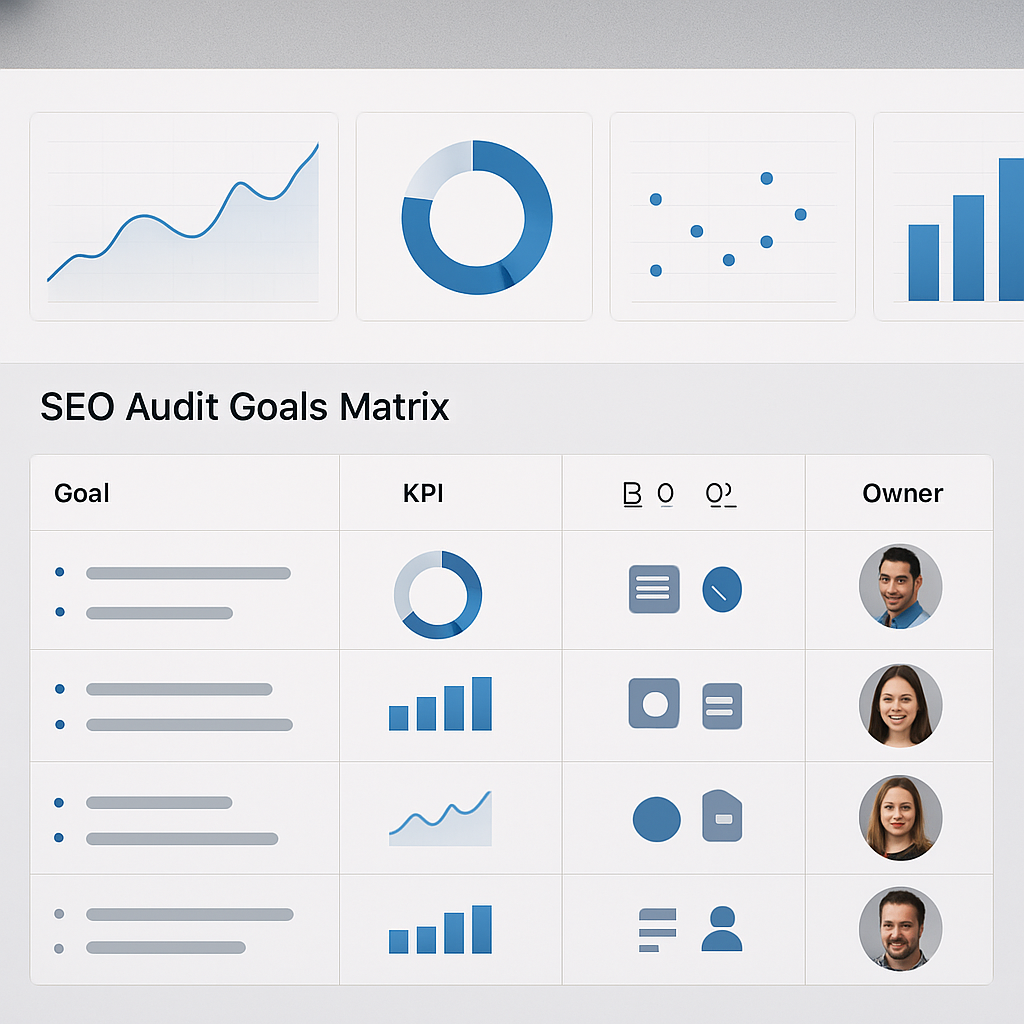
Next consideration: use these mapped metrics to build your trial test cases so you can see whether the seo auditing software actually supports decision-making, not just diagnostics.
2. Core feature checklist for SEO auditing software
Start with what the tool does for your work, not how many checks it runs. The practical value of seo auditing software is how it narrows the set of true problems and connects fixes to pages that drive traffic or revenue.
Checklist categories to test during trials
Crawl coverage and fidelity: Ensure the site audit tool supports JavaScript rendering, custom user agents, authenticated crawls, and crawl scheduling. A website crawler tool that cannot render your front end will miss client-side routing and lazy-loaded content that matter for modern sites.
Issue breadth and accuracy: Look beyond surface checks. The platform should detect canonical and hreflang problems, redirect chains, structured data issues, duplicate content, and server errors with clear examples of affected URLs so you can validate quickly.
Performance and UX signals: Prioritize tools that bring both lab and field data: Lighthouse metrics, Core Web Vitals, and page speed analysis tools that compare lab runs to real-user metrics. Benchmarks without field context are noisy for prioritization.
Data enrichment and integrations: The best seo audit tools combine crawl results with Google Search Console, analytics, and log file data so you can score issues by impressions, CTR, or server fetches. If the site depends on backlinks or keyword gaps, validate that backlink audit software and keyword ranking software can feed into the same view.
Triage, prioritization, and remediation guidance: Ask whether the tool assigns severity, lets you filter by traffic/value, and provides concrete remediation steps or links to the offending HTML. Automated severity without the ability to slice by business metrics is where most teams waste time.
Reporting, automation, and workflow: Confirm PDF/white-label exports, API access, alerts, and integrations with Jira or Asana. For recurring audits, automated regression detection is far more valuable than a one-off site health score.
Scalability and cost model: Understand per-page or per-crawl pricing and how it changes as your site grows. Desktop crawlers like Screaming Frog are cheaper for ad-hoc work; cloud platforms are necessary when you need scheduled, enterprise-scale crawls.
Practical tradeoff: Full JS rendering improves accuracy but multiplies crawl time and costs. If you have a heavily client-rendered site, expect longer trial runs and budget for repeated crawls during staging. For many teams the right compromise is selective rendering for high-value sections and a lighter pass for the rest.
Concrete example: An ecommerce team used a combined approach: a cloud site audit tool for continuous monitoring of catalog pages and Screaming Frog for deep, one-off audits of their SPA checkout flows. They integrated log file analysis to confirm Googlebot fetches after fixes, then linked issues to tickets in Jira so developers could act in priority order.
Next consideration: Use this checklist as your trial script and measure how quickly each platform converts a flagged issue into an assignable, verifiable task for engineering or content. That single capability separates useful website audit software from noisy seo checker tools.
3. Integrations and data sources to validate results
Bottom line: an audit that lives in a vacuum is noise. You need connectors that let the audit tool prove whether a flagged issue actually affected users or search engines – not just whether an HTML rule was broken.
Search Console for impact, not just errors. Use Google Search Console to map issues to impressions, queries, and indexing status. A canonical or noindex flag is only urgent if it coincides with a drop in impressions or a loss of indexed pages. See Google Search Central for the exact fields you should pull during trials.
How each data source changes what you fix first
Server logs confirm bot behavior. A crawler will tell you what it found; log files tell you what Googlebot actually fetched and when. Use log data to validate re-crawl after fixes and to detect pages that look crawlable but never get fetched. In practice, teams that skip logs waste time fixing pages Google never attempts to fetch.
Analytics ties issues to business impact. Connect GA4 or your analytics provider to attribute impressions, sessions, and conversions to pages with errors. Expect sampling and event-mapping work when you use GA4 – it is more flexible but requires explicit page path alignment. If the tool cannot join clicks/impressions with its issue table, its prioritization will be shallow.
- High priority integrations: Google Search Console,
log filesupload or parser, analytics (GA4), and PageSpeed/Lighthouse data. - Secondary but useful: backlink and keyword APIs from Ahrefs or SEMrush for content prioritization, rank tracking software for baseline impact checks.
- Workflow connectors: Jira/GitHub/Asana for creating remediation tickets automatically, plus SSO for secure API access.
Practical tradeoff: cloud platforms that auto-connect to APIs speed up validation but introduce permission and privacy overhead. Desktop tools require manual exports and stitching – slower, but sometimes preferred for sensitive or staging environments. Decide which you can operationalize given your security policy and engineering bandwidth.
Concrete example: A publishing site prioritized fixing canonical loops. During a trial they connected Search Console and an Ahrefs backlink feed, then uploaded 7 days of log files. The tool surfaced 18 canonical errors, but only 4 affected pages that had recent impressions and incoming links. The team fixed those 4 first, created Jira tickets via the audit tool, and used log file replays to confirm Googlebot refetched the corrected URLs.
What most teams misunderstand: vendors will show a seamless correlation between technical issues and traffic loss. That is rarely true without explicit cross-data joins. The real work is mapping URL variants across systems – canonical, trailing slash, query strings – and validating joins during your trial. If the platform cannot show the joined view, it will produce false positives.
Next consideration: once integrations check out, test refresh cadence and API rate limits. A stale Search Console import or truncated log sample will mislead prioritization just as badly as no integration at all. If you want a ready-made connector list, check Ranklytics integrations and compare how each platform handles credentials and data refresh.

4. Usability, automation, and reporting considerations
Immediate point: the tool will only change behavior if teams can act on its output quickly. Usability is not cosmetic; it dictates how fast issues move from detection to deployed fix. If a platform buries the remediation steps behind multiple clicks or exports, it becomes another source of backlog rather than a productivity booster.
Automation that reduces noise, not creates it
Practical requirement: automated runs must come with sensible filtering and a regression signal. Set the vendor to run a scheduled audit and expect three behaviors: it should suppress repeat low-impact flags, surface only newly introduced critical issues, and allow you to tune thresholds by page value or template type. If it cannot do that, you will get alert fatigue and ignore the reports.
Tradeoff to expect: fully automated severity scoring is convenient but brittle. Automated heuristics catch common faults fast, yet they miss context that matters to business outcomes. Plan to use automation for triage and human review for final prioritization, especially for pages that drive revenue or conversions.
Automate the triage, not the final decision
Reporting that stakeholders will actually read: the ability to produce different report flavours matters. Marketing wants high level site health with trend lines. Engineering needs per-URL reproductions, code snippets, and direct links to the offending resources. A single PDF site health score is handy, but only valuable if the platform can also generate developer-friendly exports or create tickets in your workflow.
- Test these report paths during trials: generate a white label PDF for execs, export a CSV of top 50 actionable URLs, push issues to Jira or Asana, and pull issues via API into your internal dashboard
- Check customization: can you remove low-priority checks from executive reports and surface them in a developer view instead
- Verify cadence and delivery: can alerts be throttled or batched to match sprint cycles rather than flooding inboxes
Collaboration and ownership: issue assignment, comments, and audit history are underrated but critical. The platform should show who fixed what and when, plus allow reopening if a regression returns. Without ownership metadata, audits become postmortems instead of living tools for continuous improvement.
Concrete example: an ecommerce site deployed a catalog change that unintentionally added noindex to product templates. The chosen site audit tool detected the change, opened a Jira ticket with the failing URLs, and sent a single daily digest to the product and dev leads. Engineers reverted the template within 18 hours, avoiding a measurable drop in impressions for top SKUs.
Common misunderstanding: buyers often assume cloud platforms will always be faster to adopt. In practice, cloud automation adds permissions work and sometimes cannot run on staging. Desktop tools are slower for automation but superior for controlled, private testing. Pick a mix that fits your security posture and release cadence.
Next consideration: if the tool passes these usability and automation tests, the remaining question is whether its reporting formats match your stakeholders workflow. That is the gatekeeper for adoption more than raw issue coverage.
5. Pricing, licensing models, and total cost of ownership
Pricing is the gatekeeper for adoption. The headline subscription number rarely reflects the real cost of using seo auditing software at scale. Expect extra charges for frequent full crawls, JavaScript rendering, historical crawl storage, API calls, and multi-environment support – all of which compound on large, high-velocity sites.
Core cost components to evaluate
Break costs into discrete buckets. That prevents the vendor sticker shock moment when you hit an overage. Look beyond monthly fees and include implementation, integrations, developer time to remediate, and reporting or white label needs.
- Subscription and license: base tier, per-seat fees, and whether JS rendering or log analysis is add-on
- Crawl and data costs: per-crawl, per-page, or tokenized usage and costs for repeated re-crawls during staging or releases
- Implementation and integrations: time to connect Search Console, analytics, and ticketing – factor developer and security review hours
- Operational costs: storage for historical crawls, API usage for exports, and internal processing to join URLs across systems
- Hidden friction: vendor onboarding, SSO configuration, and permission management which add calendar time and delay value
Practical tradeoff: per-page pricing scales predictably for small sites but penalizes growth and frequent monitoring. Per-seat models are cheaper for single owners but expensive for cross-functional teams that need access. Desktop licenses like Screaming Frog SEO Spider are cost-efficient for deep ad-hoc crawls, while cloud services from Ahrefs or SEMrush provide scheduled automation at a recurring premium.
Concrete example: A retail site with roughly 13,500 product and category pages used a cloud site audit tool on a per-page model and found month-to-month costs doubled when they enabled full JS rendering and weekly regressions runs for the checkout templates. They moved to a hybrid setup – scheduled cloud audits for catalog sections and a Screaming Frog license for targeted SPA checks – which reduced monthly spend while keeping developer alerts intact.
Judgment you will not hear from every vendor: cheapest is rarely cheapest. If your team lacks bandwidth to triage false positives, an inexpensive plan that produces noise will cost you more in engineering cycles than a higher-tier plan that pre-filters and prioritizes by traffic. Pay for contextualization – the tool that joins Search Console impressions, logs, and crawl results will save engineering time.
What to negotiate and when. Negotiate crawl quotas, staging environment access, and historical data retention. Ask for a pilot rate that includes the integrations and one month of elevated crawl frequency – that shows true TCO before a year-long commitment. Use Ranklytics pricing or vendor trial periods to compare modeled monthly totals under identical crawl schedules.
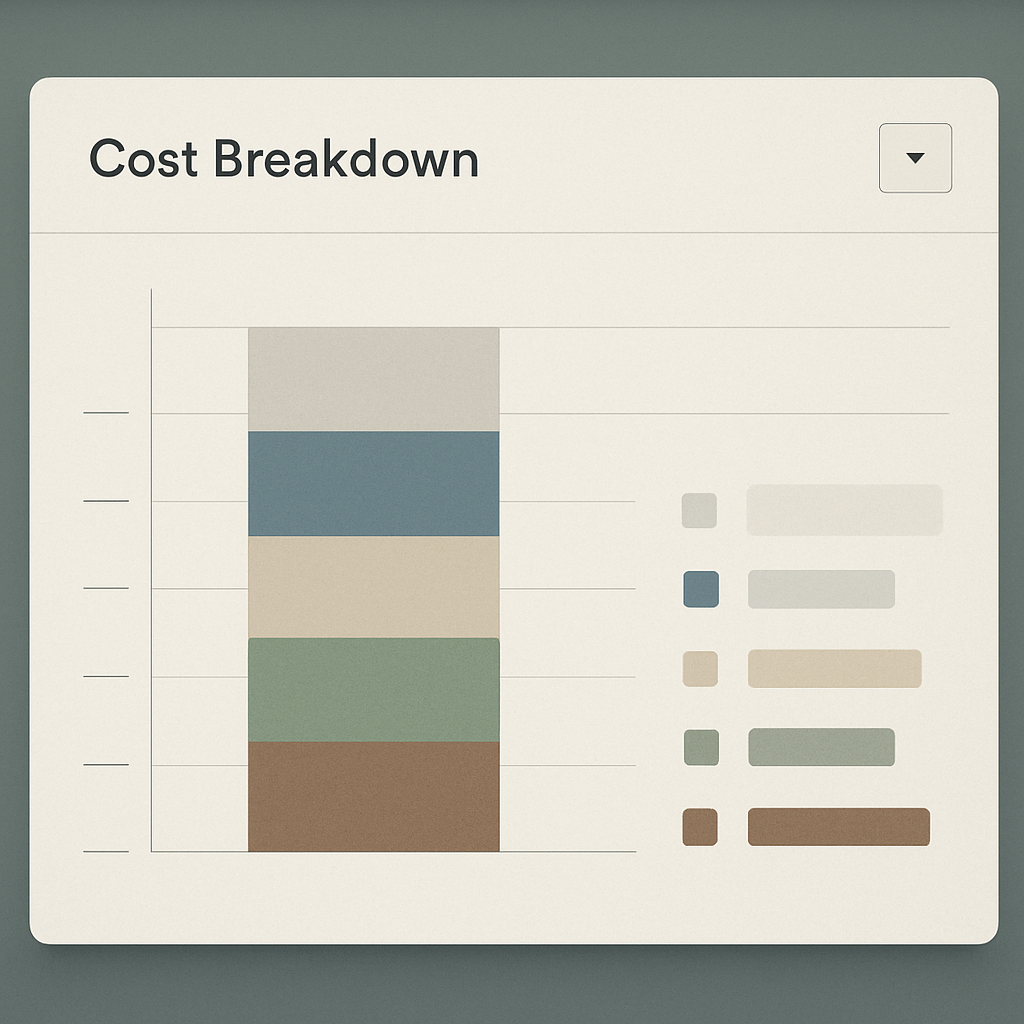
Next consideration: before you sign, map expected audit cadence and a realistic remediation runway to dollars and engineering hours. If you cannot translate a detected issue into an estimated fix time and business impact during the trial, the subscription number is meaningless.
6. Shortlist and trial plan: how to evaluate tools in practice
Practical truth: a short, focused trial reveals fit far better than feature lists. Run a scripted set of tests on your real site data, not vendor demo sites, and measure how quickly the platform turns findings into verifiable, assignable fixes.
A focused 7-step trial script
- Baseline crawl: run a full crawl of production and a separate crawl of staging. Capture rendered HTML snapshots and note crawl time and JS rendering success for your highest-value templates.
- Impact join: import Google Search Console and analytics during the trial so the tool can surface which flagged URLs actually drive impressions, clicks, or conversions.
- Performance spot-check: run Lighthouse or PageSpeed tests for a representative set of landing pages and compare lab to field metrics.
- JS rendering and SPAs: validate client-side routing, lazy-loading, and critical content by comparing rendered DOM vs server HTML on several problematic routes.
- Log file reconciliation: upload server logs for a short window to confirm whether Googlebot fetched pages before and after fixes.
- Reporting and workflow test: export a white-label PDF, a developer CSV, push issues into Jira/Asana, and call the API to fetch the same dataset.
- Developer validation: have engineers verify that an exported issue includes reproducible steps, the exact HTML snippet, and an estimated fix time.
Practical tradeoff: deep rendering and frequent regression runs are expensive and slow. For large sites, run full JS renders only for high-value sections and use lighter crawls elsewhere; that limits cost while keeping accuracy where it matters.
Scoring template (apply during each trial)
| Criterion | Weight |
|---|---|
| Coverage fidelity (rendering, authenticated crawls) | 30 |
| Noise reduction / accuracy (false positives rate) | 20 |
| Integration depth (Search Console, logs, analytics) | 20 |
| Time-to-action (export, ticketing, clarity of remediation) | 20 |
| Cost & TCO predictability | 10 |
Concrete example: during a two-week pilot the SEO lead ran Ranklytics, Ahrefs Site Audit, and Screaming Frog against the same 2,000 product pages. Screaming Frog exposed SPA rendering failures on checkout routes, Ranklytics joined Search Console impressions so the team fixed the pages with real traffic first, and Ahrefs highlighted backlink-priority pages for content work. The mixed approach produced prioritized tickets and halved the engineering review time compared with actioning raw issue lists.
Judgment call: vendors will optimize demos. Insist on live access and a sample invoice showing cost for your crawl frequency and render settings. If a vendor resists running these tests on your data, treat that as a red flag — because the tool may not scale or integrate the way you need in production.
Next consideration: schedule 2–3 hours of engineering time into every vendor trial window and require the vendor to run your scripted tests and deliver a modeled three-month usage estimate before you buy.
7. Example decision scenarios by site type
Short answer: choose the seo auditing software that matches the site architecture and the remediation workflow, not the one with the longest feature list. Different site types expose different failure modes — and those failure modes dictate whether you need deep JS rendering, log-file reconciliation, backlink signals, or white-label reporting.
Small brochure / corporate site
Fit: lightweight, affordable tools or a desktop crawler. For a mostly static, under-500-page site you want a site audit tool that is fast to run and easy to hand to marketing or product owners. Tradeoff: avoid cloud plans priced per-page; they scale poorly for simple sites and add unnecessary complexity.
Practical approach: run a desktop crawl with Screaming Frog for full HTML checks, supplement with a one-time Lighthouse sweep for Core Web Vitals, and use a small cloud tool to schedule monthly health checks. If vendor integrations are required, validate simple Google Search Console pulls only.
Content publisher / high-velocity editorial sites
Fit: tools that combine crawl data with keyword ranking software and backlink audit software. Publishers need content decay detection, duplicate content clustering, and quick ways to identify pages losing impressions. Limitation: comprehensive keyword + backlink joins increase cost and require careful URL normalization.
Example use case: a news site used Ranklytics to join Search Console impressions with crawl-flagged duplicate content and an Ahrefs feed for incoming links. The audit surfaced 120 pages with traffic decline and high backlink value; editorial prioritized those for consolidation and saw stabilization of impressions within weeks.
Ecommerce (mid-market and large catalogs)
Fit: scalable crawlers, selective JS rendering, log file analysis, and schema/price-monitoring features. For catalogs, crawl depth and pacing matter; running full JS renders across 50k product pages is expensive and slow, so prioritize high-value templates for full renders and use lighter rules for the rest.
Concrete example: during a pricing engine rollout, a retail site scheduled weekly cloud audits for category and top-10k product pages with full JS rendering while scanning the remaining catalog with a cheaper per-page crawl. They used log files to confirm Googlebot fetches after fixes and created automated Jira tickets for any new 5xx or noindex regressions.
Enterprise platforms and global sites
Fit: enterprise-grade website analysis tools with API access, white-label reporting, multi-team permissions, and managed services. These sites need repeatable audits across dozens of subdomains, hreflang validation, and prioritized remediation tied to business KPIs.
Judgment: for large global sites, expect to compose a stack rather than find a single silver-bullet tool. A full cloud crawler plus a log analysis pipeline and a content-audit product for SEO health checks often beats a single platform that promises everything but delivers noisy outputs.
Key operational tradeoff: accuracy (full JS rendering, log reconciliation) costs time and money. The right compromise is selective fidelity — render and log-verify high-value templates, run lighter sweeps elsewhere, and automate ticket creation for anything that could cause revenue loss.

Next consideration: run a two-week scenario test: pick one high-value template per site type, run targeted JS renders and log files reconciliation, and measure time-to-ticket from detection to developer assignment. That operational metric is the clearest signal of fit — not the site health score.
8. Implementation checklist and first 90 day plan after selecting a tool
Immediate objective: turn the chosen seo auditing software into a reliable signal-to-ticket pipeline within the first two weeks. The goal is not to eliminate every flagged item; it is to triage correctly, assign ownership, and prove the tool's prioritization with measurable wins on pages that matter.
Day 0–7: validate access and capture baselines
- Verify credentials and scope: confirm Search Console, analytics, and any backlink APIs are connected and that SSO/permissions allow staged crawls.
- Run two baseline crawls: one full site crawl and one targeted render of high-value templates; export rendered DOM snapshots for comparison.
- Quick performance snapshot: capture Lighthouse or Core Web Vitals for 20 representative pages to set performance baselines.
- Upload a short log sample: ask engineering for 3–7 days of server logs so the tool can show what Googlebot actually fetched.
Tradeoff to accept: full JS rendering on a large site is slow and expensive. In practice, pick a selective strategy: render top-converting templates every run and use lighter, faster crawls for the long tail. This preserves fidelity where it affects revenue while keeping costs manageable.
Days 8–30: prioritize, assign, and ship quick wins
- Rank flagged URLs by business value: use impressions, conversions, and backlinks to create a prioritized queue (top 200–1,000 depending on site).
- Create actionable tickets: require an exact failing URL, the HTML snippet, and an estimated fix time in each ticket; integrate with Jira/Asana for tracking.
- Ship quick wins: focus first on indexing blockers and severe 5xx/noindex/canonical failures plus the worst Core Web Vitals issues on top pages.
Practical constraint: expect engineering to push back on low-value cosmetic fixes. Resist the temptation to clear the dashboard; insist fixes be scoped and estimated so you can measure time-to-fix and business impact.
Day 31–90: iterate, validate, and measure impact
Run scheduled regression scans, track re-crawl dates in logs, and verify Search Console changes to confirm fixes. By week 12 you should have closed a prioritized subset and have clear evidence that Googlebot refetched corrected URLs and that impressions or indexation moved in the expected direction.
| Checkpoint | What you must verify | Acceptance criteria |
|---|---|---|
| Crawl fidelity | Rendered DOM matches production for top templates | No major DOM mismatches on 95% of sampled pages |
| High-value indexation | Affected URLs show re-crawl in logs and improved indexing status in Search Console | Re-crawl within 14 days and indexation status updated |
| Time-to-fix SLA | Tickets include repro steps and ETA; engineering updates status | Critical issues fixed or scheduled within 2 sprints |
Concrete example: A mid-market ecommerce site connected the audit tool, ran selective renders of category and product templates, and prioritized the top 300 SKUs by revenue. Within eight weeks they resolved canonical loops and optimized image loading on 60 priority pages; logs confirmed Googlebot refetched the corrected pages and organic impressions for those SKUs rose in double digits.
What teams often underestimate: automation will surface problems faster than you can fix them. Budget a runway for triage: assign a recurring SEO/dev sync each sprint to review newly flagged high-impact items and prevent a growing backlog of half-triaged issues.
Next consideration: after 90 days decide whether to expand full renders, increase crawl cadence, or add a content-audit pass. Use the measured KPIs to justify the change and tie it back to revenue or conversion impact — not to raw issue counts. For integration specifics, see Ranklytics integrations and validate Search Console mapping with Google Search Central.
Frequently Asked Questions

Written by
James ChenJames is a content marketing expert and former agency lead who has managed SEO programs for Fortune 500 brands. He focuses on keyword strategy, content gap analysis, and building scalable content operations. He writes about the intersection of AI and modern marketing.